The paper form/interview tool (also known as survey mode) is designed for two main purposes:
Conducting face-to-face interviews (such as at an workshop, door-to-door or in the street)
Uploading paper forms (as long as the questions match those on your Commonplace project)
The tool can be used either by existing admins or lead admins - or by users with the 'surveyor' user type. Users must have an account with the correct permission before they can access survey mode. Learn more about the different user roles here.
Survey mode uses the same survey questions and demographic questions that you have set up on your project - but combines the two sets of questions in a single form, along with contact preferences.
This means that you can collect survey data, demographic data, contact preferences and email addresses for someone all in the same place, without them having to create their own account.
Some of the key benefits include:
You can continue to reach digitally excluded groups using paper forms, without compromising the speed and ease of responding to an online survey
The data you collect from your face-to-face engagement, paper forms and online responses is all securely stored in the same place and can be analysed, filtered and exported together, rather than having data sitting in spreadsheets
Rather than having to instruct attendees at your face-to-face events to sign up and create their own account, you can simply ask the survey questions in a simple, conversational format and collect their email address and contact preferences at the end
If you'd like to use this tool to interview young people, please follow the guidance here.


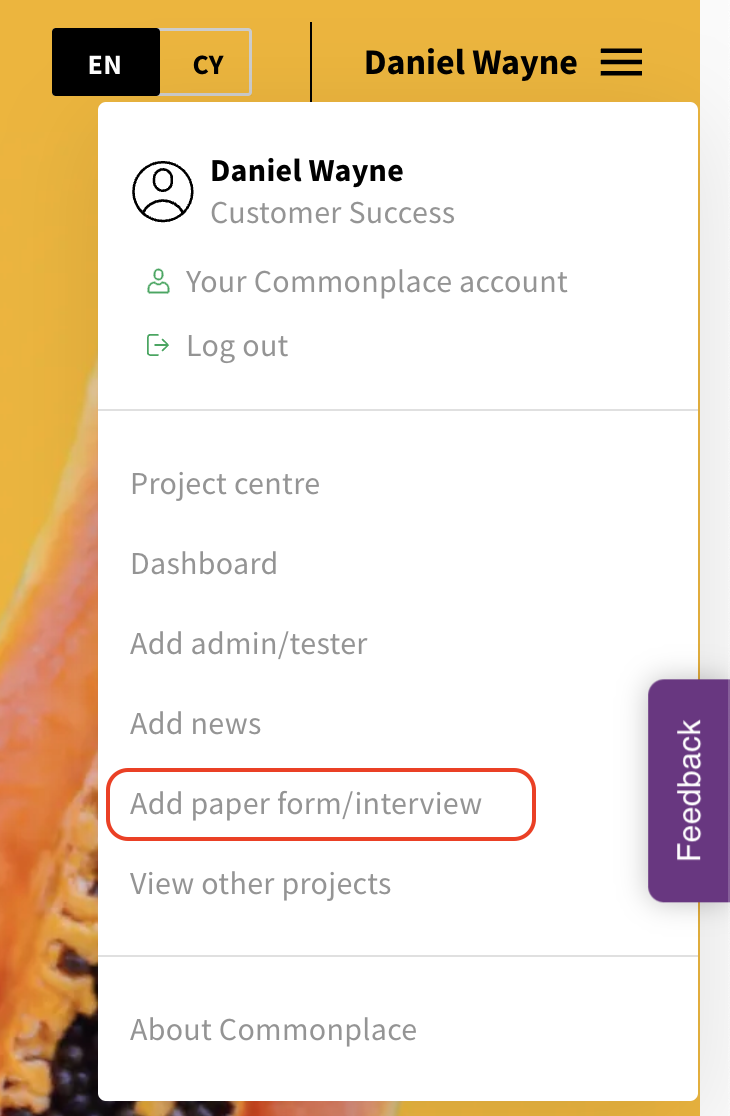
Click the menu in the top right corner of the page and select ‘Add paper form/interview’.
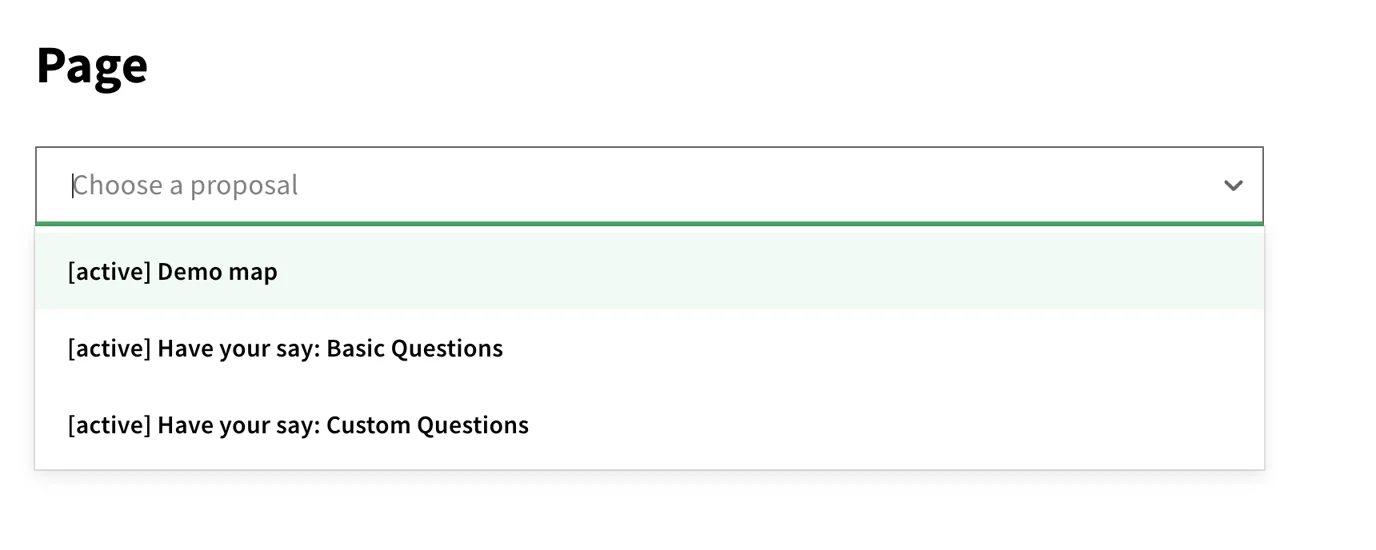
2. Using the 'Page' drop down menu, select the proposal tile relevant to your paper form. This will bring up the survey.
3. Enter the responses collected from the paper survey
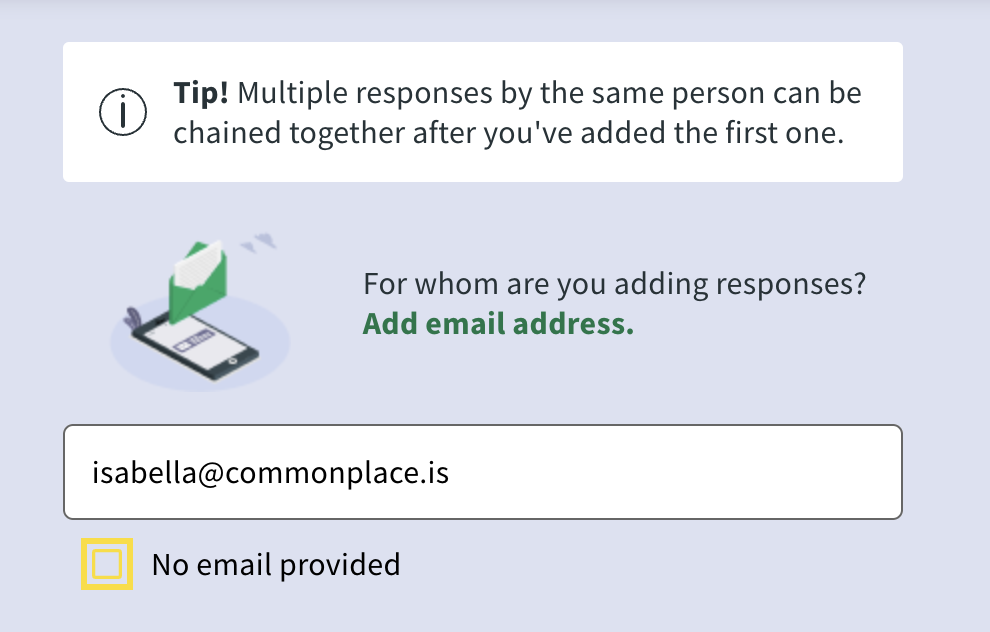
4. Next, you add the email address of the respondent, including the demographic information (if provided) and select any consents they have selected.
5. Save the survey.
Using Commonplace with young people (under 13 and under 18)
Still unsure about anything? There's lots more information here on the Commonplace Help Centre - alternatively, contact the support team and we'll be happy to help 👋
