You may already be familiar with our Community Heatmap, which allows respondents to drop a pin on a particular location and then respond to a number of questions related to that location.
'Map as a question' brings this map functionality into any page, by setting up the pin drop as a discrete question within the survey flow.
This feature can also be used to enable hidden comments functionality for map comments.
It is also possible to invite respondents to draw a line or draw a polygon, rather than simply drop a pin.

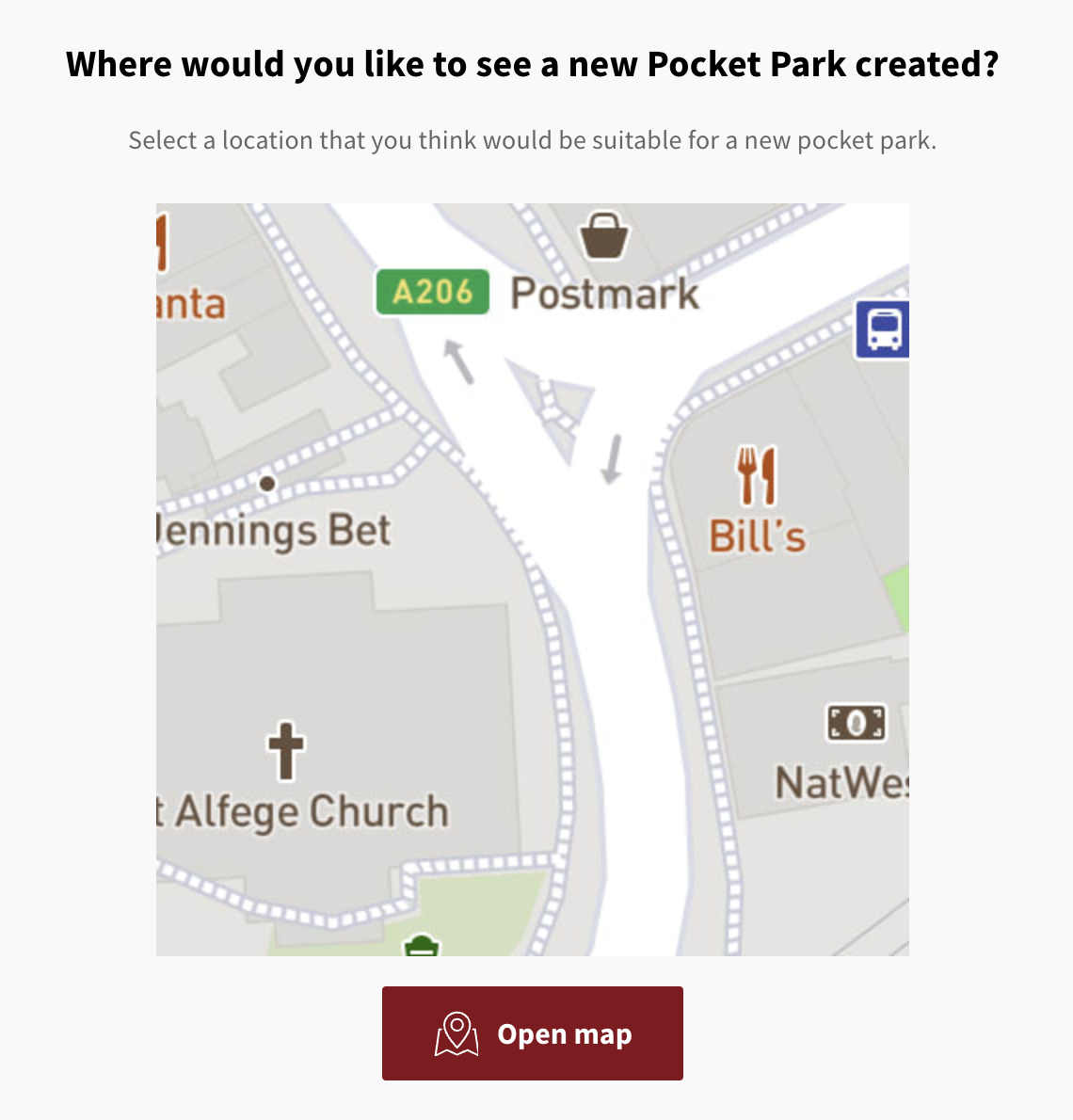
In order to enable use of 'map as a question' on your Commonplace, pop an email over to customers@commonplace.is and we'll get you set up.
You must create a regular map which will be embedded in the survey. This map will be hidden from your landing page and from the Have Your Say page. To do this:
Enter edit mode
Click on the dropdown menu on the top bar
Select Add page
Select Map. Click here for the video on how to create a map tile.
You can then add some information in the available fields, clearly indicating that this map will be used for your Map as a question. You can edit this map visually in the same way you would edit a regular map survey, by setting the centroid, zoom level, and adding any points or boundaries to the map to indicate where/how you want your end users to respond. Please get in touch with your CSM or our Customer Support team if you are unsure of how to do this. Also, note that you will not be able to add data layers (such as pins with hover panels) to this map.
Once your map has been built and saved, you can go back to the survey where you would like to add the map as a question, drag and drop the question type titled "Map" to the mobile phone screen in edit mode, fill out the information about the question on the right hand side of the page, and then select the map tile built in step 1 in the dropdown menu of Map page. Once this is done, hit the Save button.
You can then ask the Customer Support team to hide the dummy maps for you from the landing page and from the Have Your Say page.
Still unsure about anything? There's lots more information here on the Commonplace Help Centre - alternatively, contact the support team and we'll be happy to help 👋
