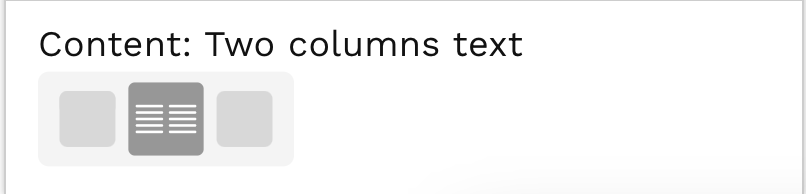
To access this feature, go to any edit mode on your tile and simply drag the content block into the edit mode preview screen:
Once you have added the block on you page, you start adding your text in the two text boxes. This block has two text editors with full editing capabilities.
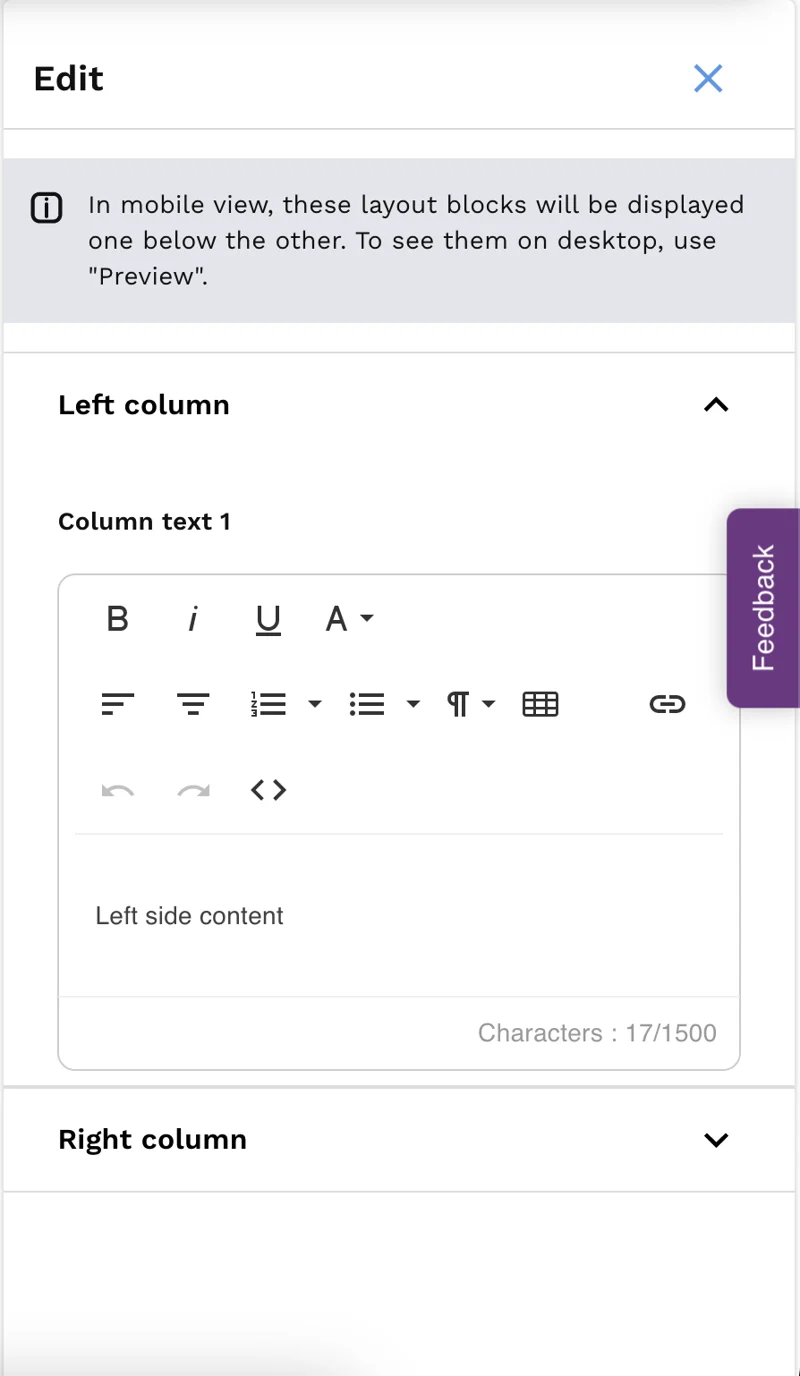

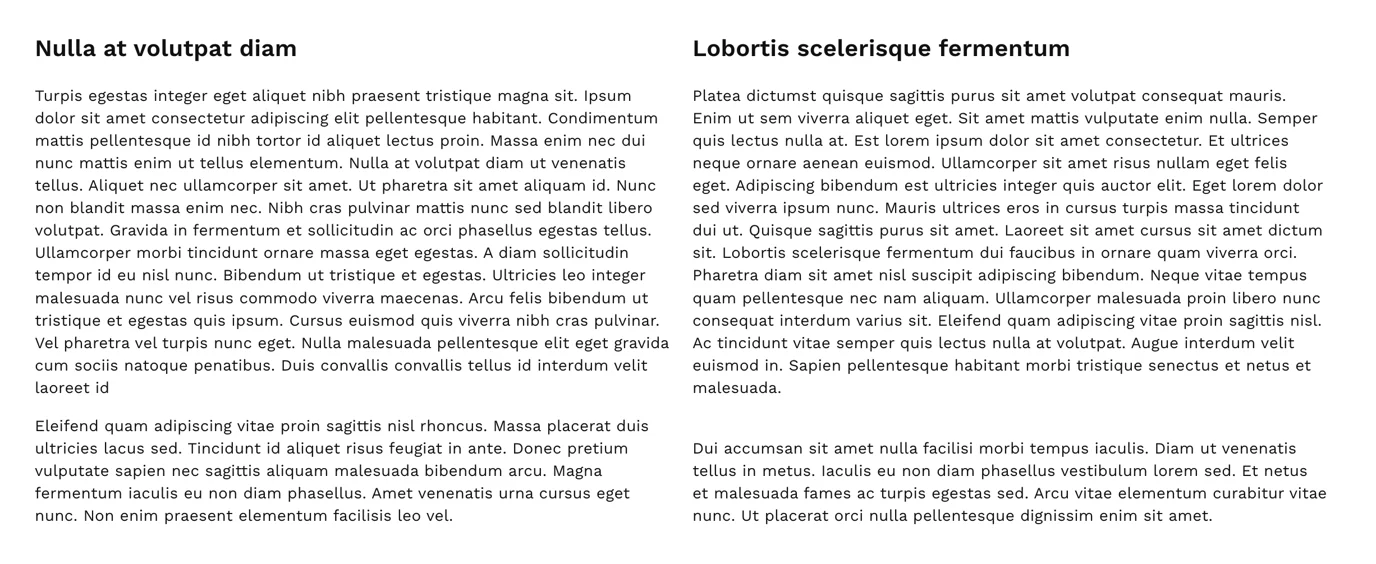
On desktop: The box labeled left column will appear left and the one labeled right column will appear of the right!
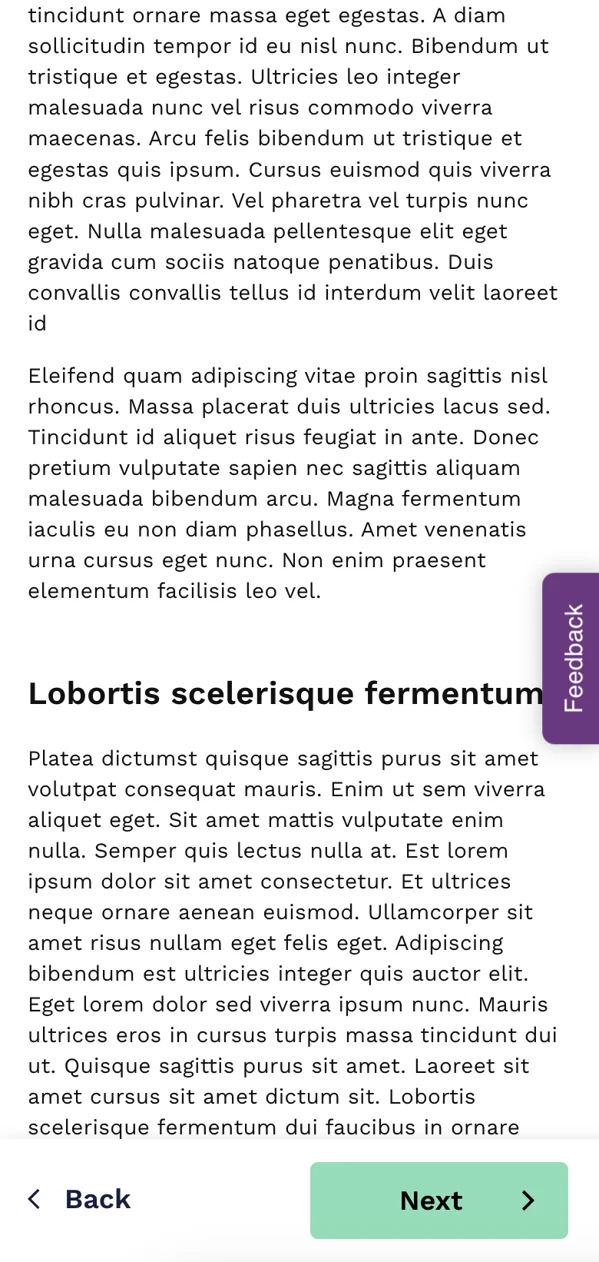
On mobile: The box labeled left column will appear on the top and the one labeled right column will appear of the bottom!
Still unsure about anything? There's lots more information here on the Commonplace Help Centre - alternatively, contact the support team and we'll be happy to help 👋
