Adding videos to your Commonplace pages can be an easy and engaging way to provide information about your project. You will need to get an embed code from your video host (e.g. how to get an embed code from YouTube).
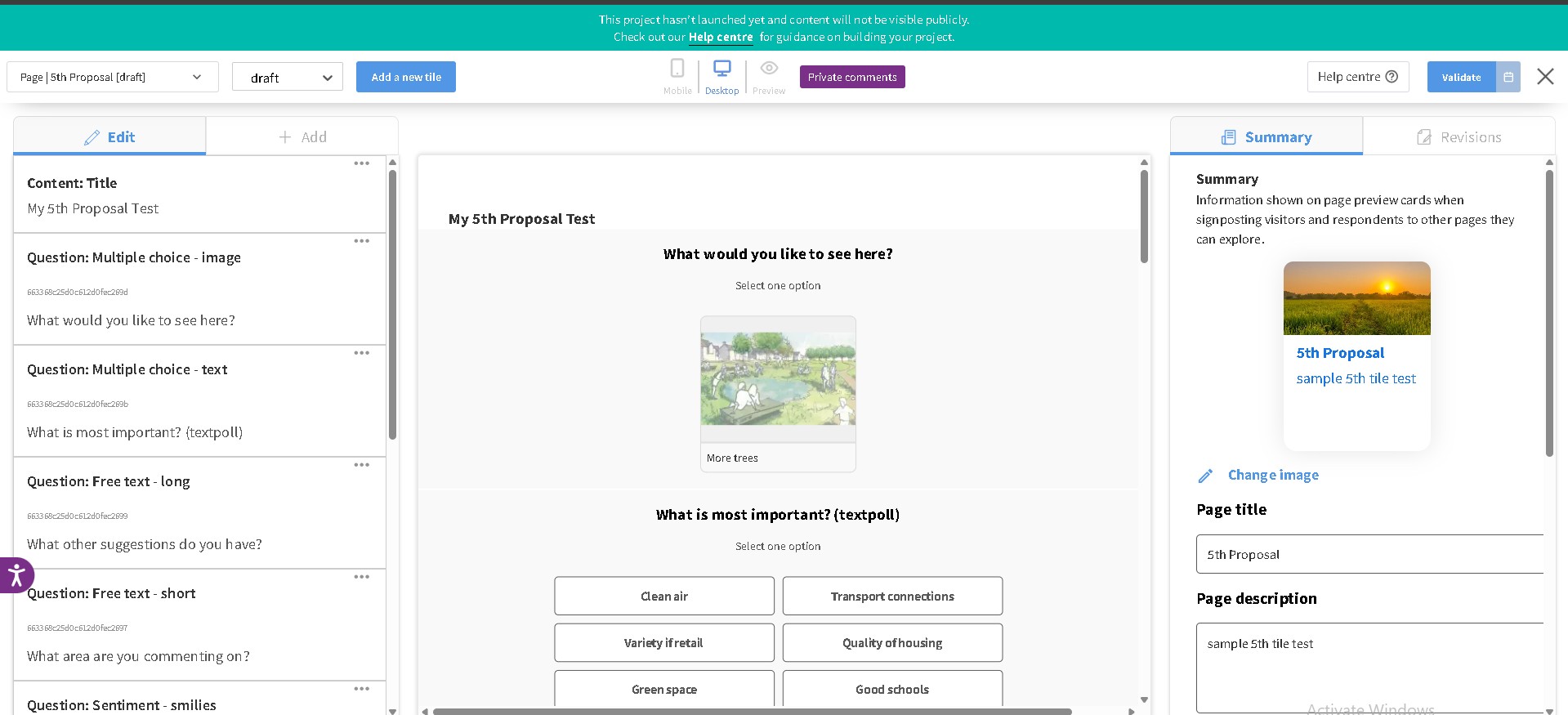
Once you got the embed code from Youtube (or other video host), return to your page and go to edit mode.
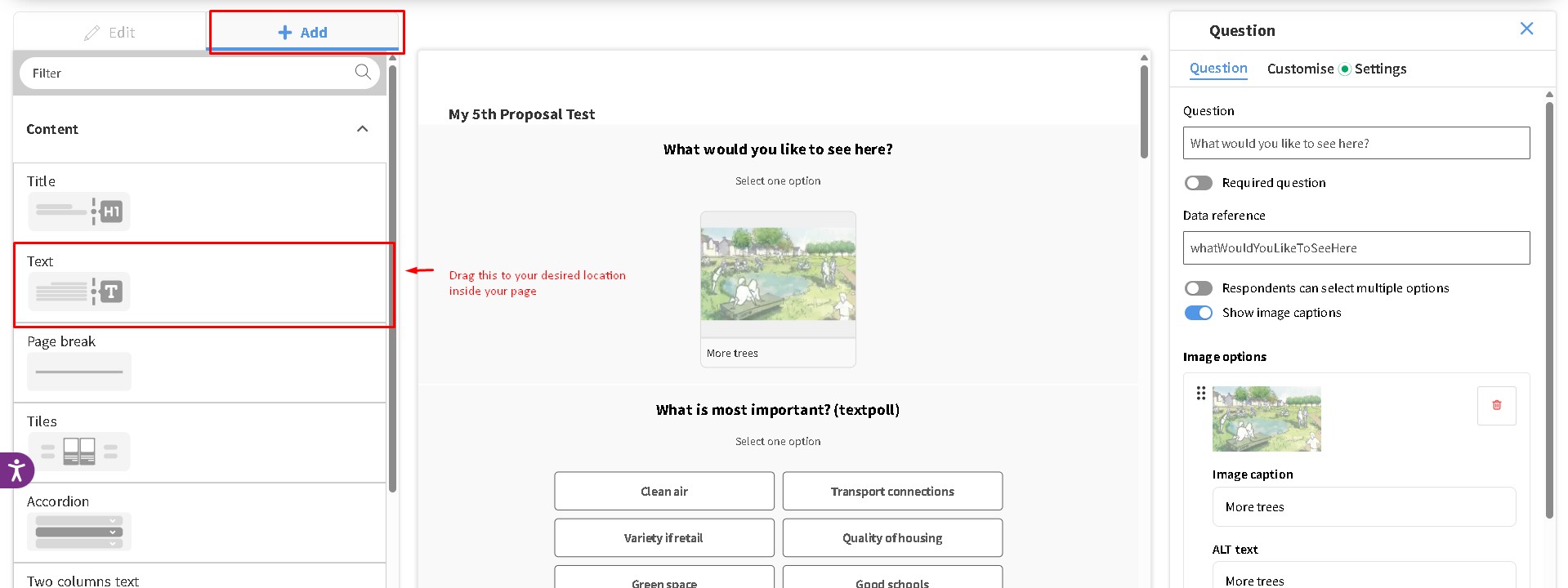
Once you are on edit mode, click Add and then select the text block and drag it into your desired location within the page. If you already have a text block on your page, you may skip this step.
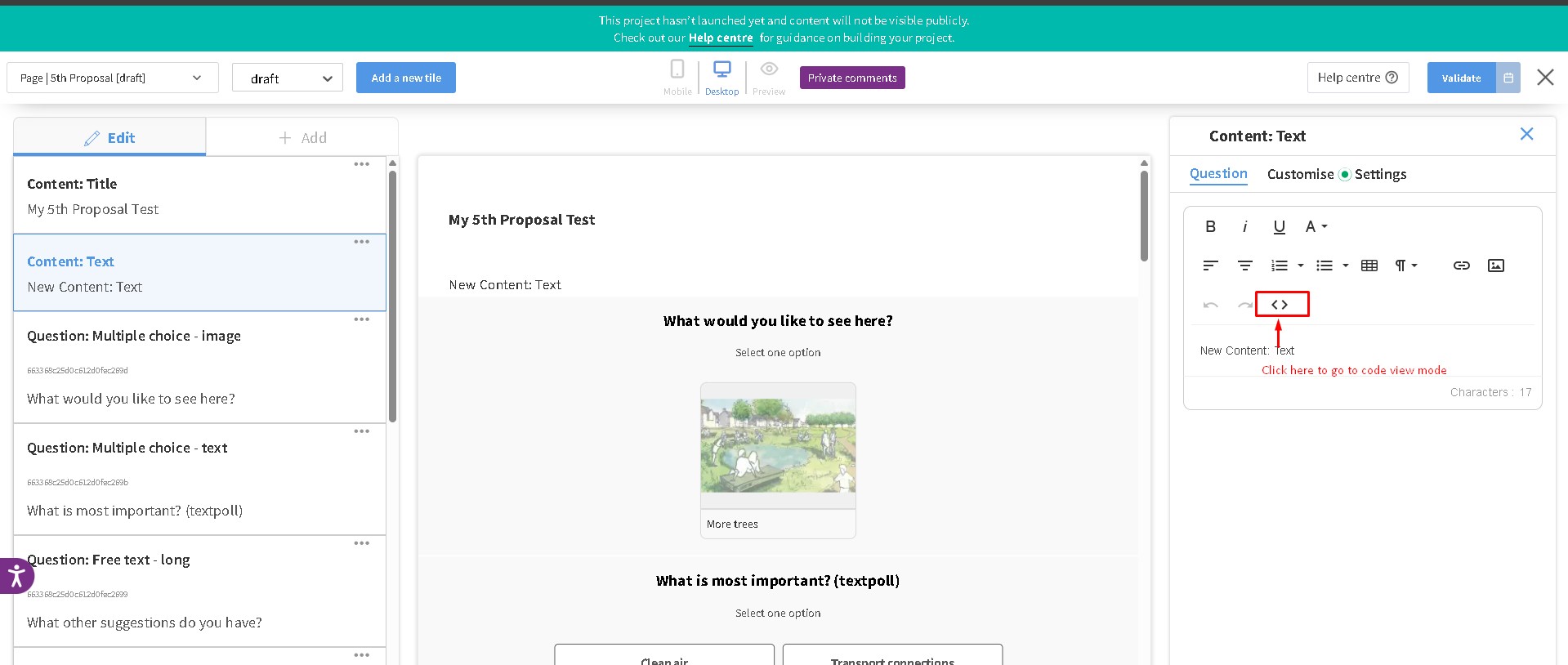
Open the text block and then go to code view.
Once you are in code view, insert the embed code that you got between the <p></p> html tag.
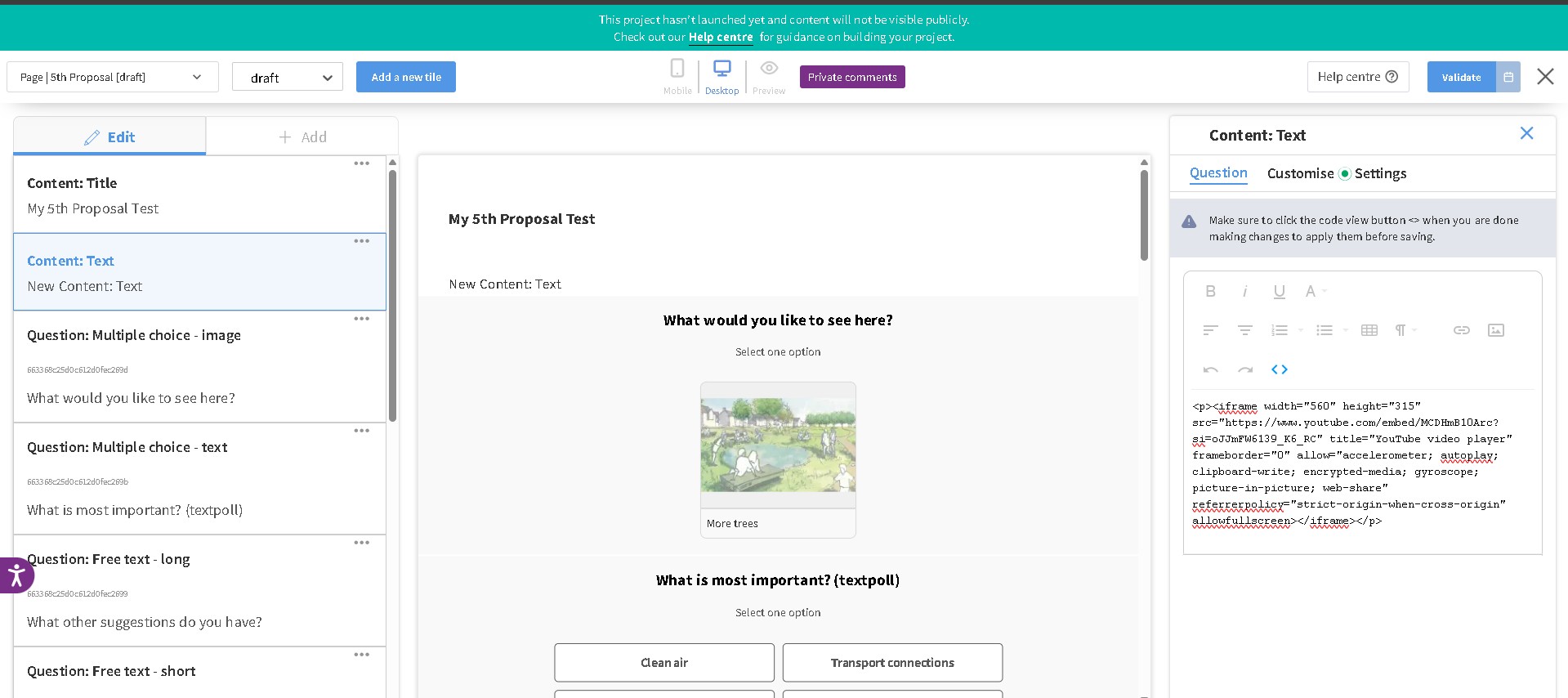
Once typed in, close the code view editor by clicking the “<>“ icon, then click validate then save at the upper right corner of the page.
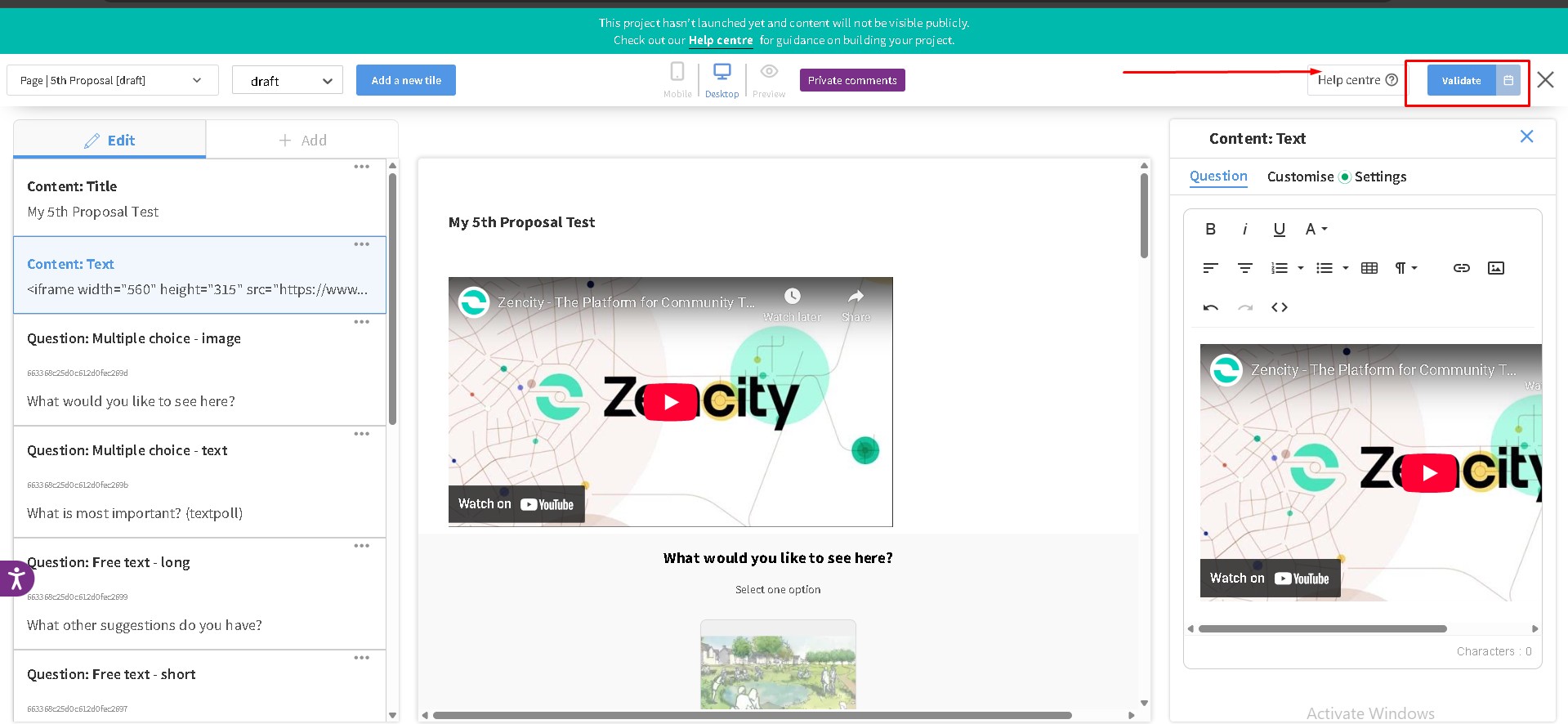
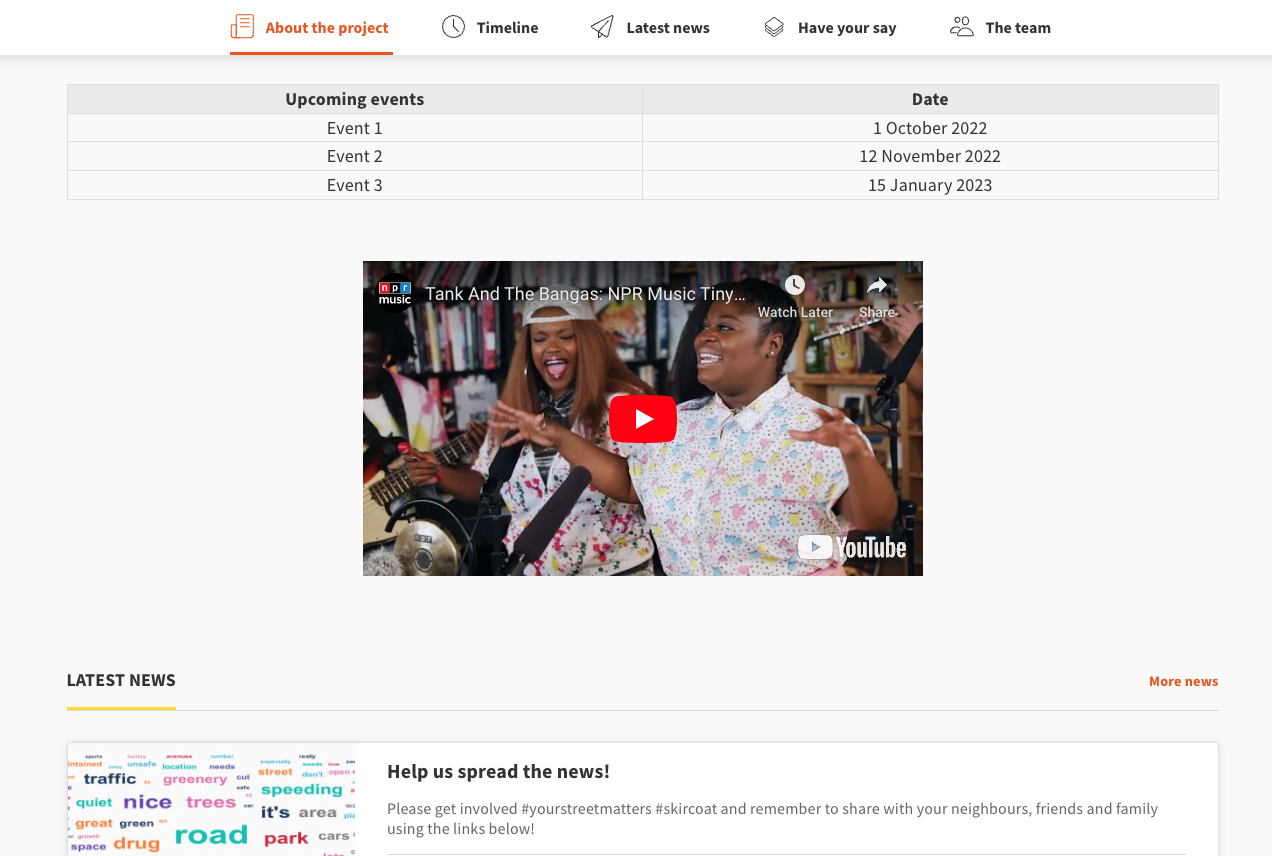
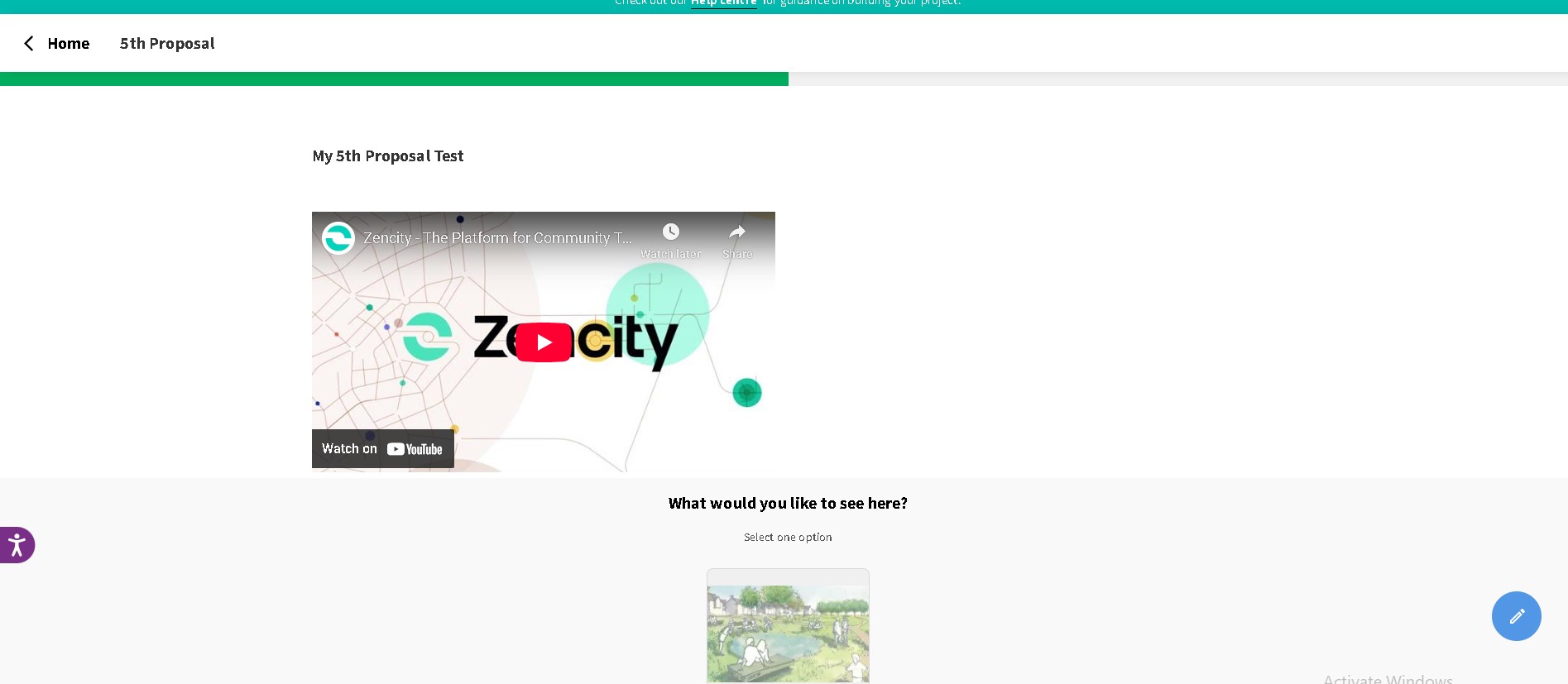
Exit page edit mode and you’ll now see the linked Youtube video on your page.
Still unsure about anything? There's lots more information here on the Commonplace Help Centre - alternatively, contact the support team and we'll be happy to help 
