
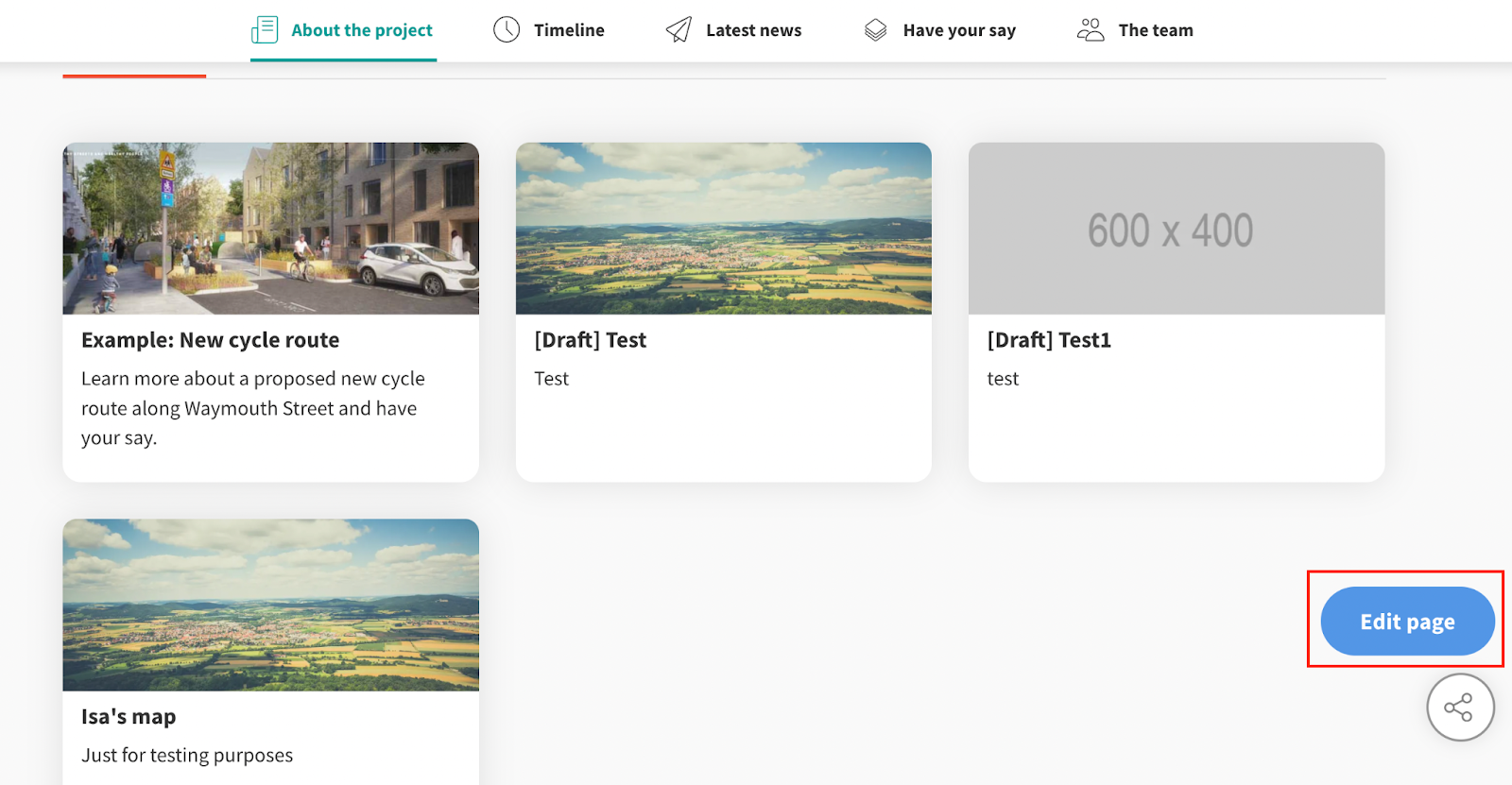
On the homepage of your Commonplace website, click on Edit page as shown in the red frame below.
Click on the Add tab then drag the Tiles component block and drop it in the centre of the screen as shown below to add it to your page.
Select the Tiles component block and edit the tiles order on the right side panel.
Toggle the tiles you want to show/hide by clicking the ON/OFF button.
Select a tile and move it upwards or downwards as desired will re-order your tiles.
Don't forget to hit the Save button to apply your changes!
Congratulations, you're done!
Still unsure about anything? There's lots more information here on the Commonplace Help Centre - alternatively, contact the support team and we'll be happy to help 👋
