When you are logged in to an admin account on Commonplace, you will see the question mark help icon in the top right hand corner of the page - clicking it will open the help widget. This icon is not visible to normal users on the project.
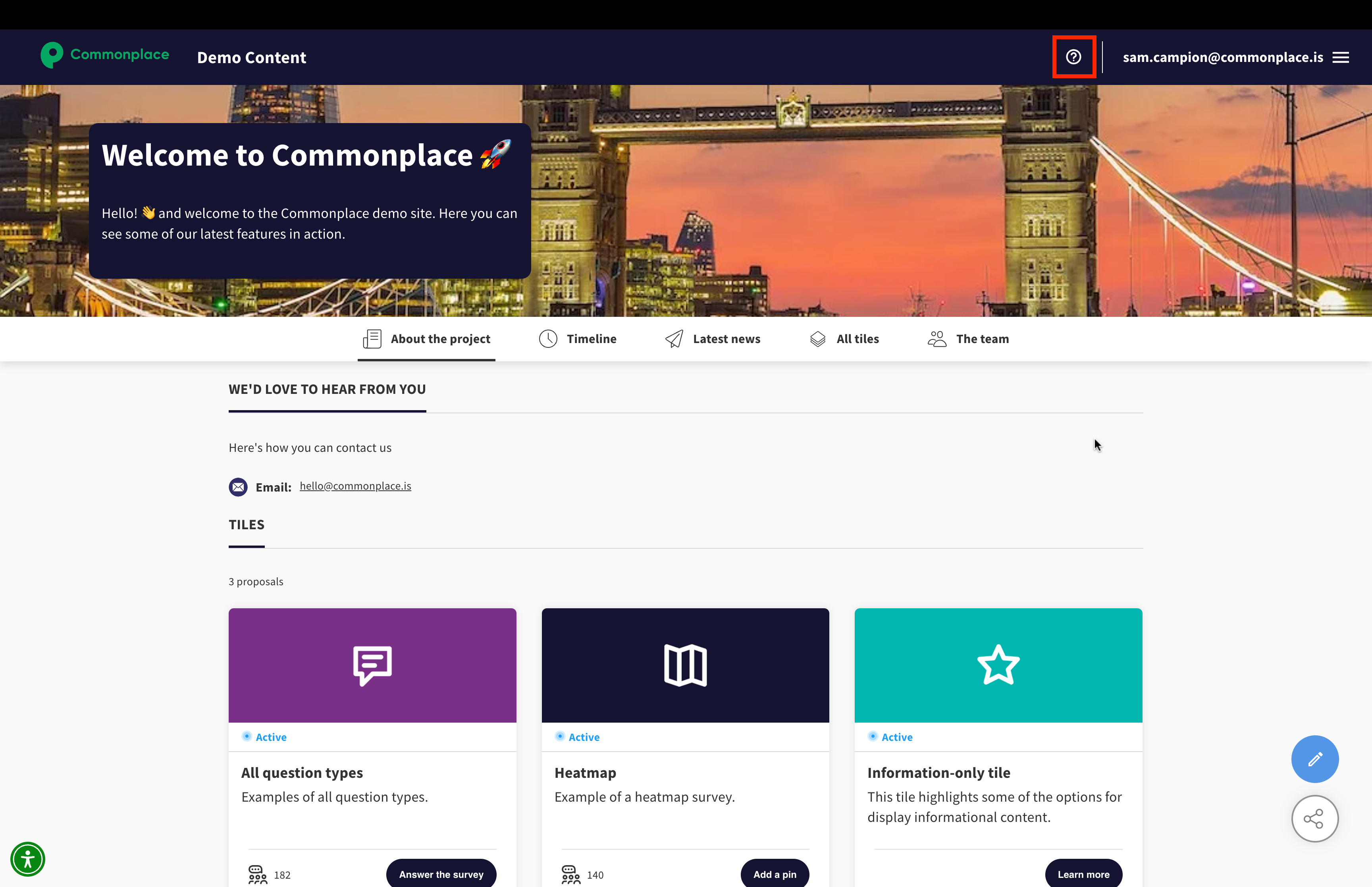
The help widget has several features, each designed to make your Commonplace experience as smooth as possible. The main features are:
Our AI chatbot, Placey
Click 'ask anything' to talk to Placey. Placey will automatically pull relevant information from our help centre to answer your questions - or direct you to the support team if there's a question they're unable to answer.
Report an issue
If you spot a bug, click 'report an issue' to let us know. You can describe the issue and highlight the area of the screen where it's occurring. This will create a ticket in our bug board - we'll update you as we go through the process of identifying and fixing the bug.
Suggest/request a feature
If there's a feature you'd like to see on Commonplace, let us know here. Your feedback is extremely important in helping us understand where things could be improved. Please describe the feature in as much detail as possible - this will help us understand exactly what would be involved in making that feature a reality.
News
Check this section for updates on the latest Commonplace feature releases.
Roadmap
The roadmap allows you to upvote features that have been requested, helping us to prioritise our feature development. You can also view the roadmap of features we're currently working on, including where they are in the development cycle.
Help centre
This allows you to browse the help centre you're currently reading from within the help widget.
Still unsure about anything? There's lots more information here on the Commonplace Help Centre - alternatively, contact the support team and we'll be happy to help 👋
