When your project is finished or about finishing please contact your Customer Success Manager so they can close your website for commenting. If the project closure is time sensitive please make sure to contact your Customer Success Manager two working days in advance or earlier so that they can set a timer for the website to close.
Please note that due to Commonplace’s transparency policy Commonplace websites’ domain and content remain live forever, including after the platform has stopped collecting comments.
Since the public can still visit the website even after the project is finished, it is important to update relevant content on the platform to reflect the closure. You can plan content changes in advance and apply them as soon as the website closes.
Website banner
A banner at the top of the website will appear when your Customer Success Manager closes your website for commenting. The standard wording for this is ‘The engagement of this project has ended. Sign up for project news to be kept up to date’. If you would like to change the wording please contact your Customer Success Manager, as this cannot be currently edited by administrators
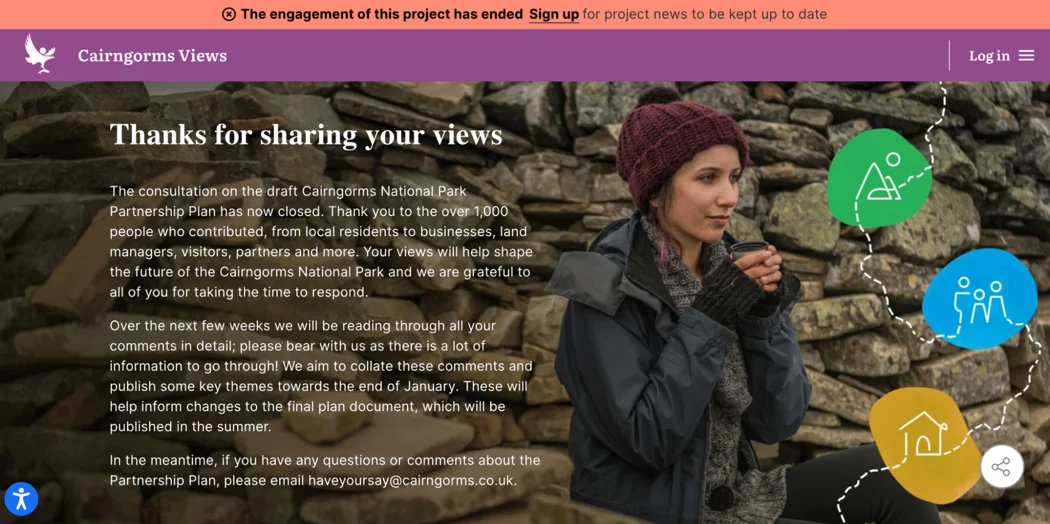
Landing page content
Once the project is finished it is normally helpful to update the Hero banner on the Landing page with some text thanking respondents for their contributions, informing them that the project is now completed and letting them know about next steps. You can update this text independently using the website editor.
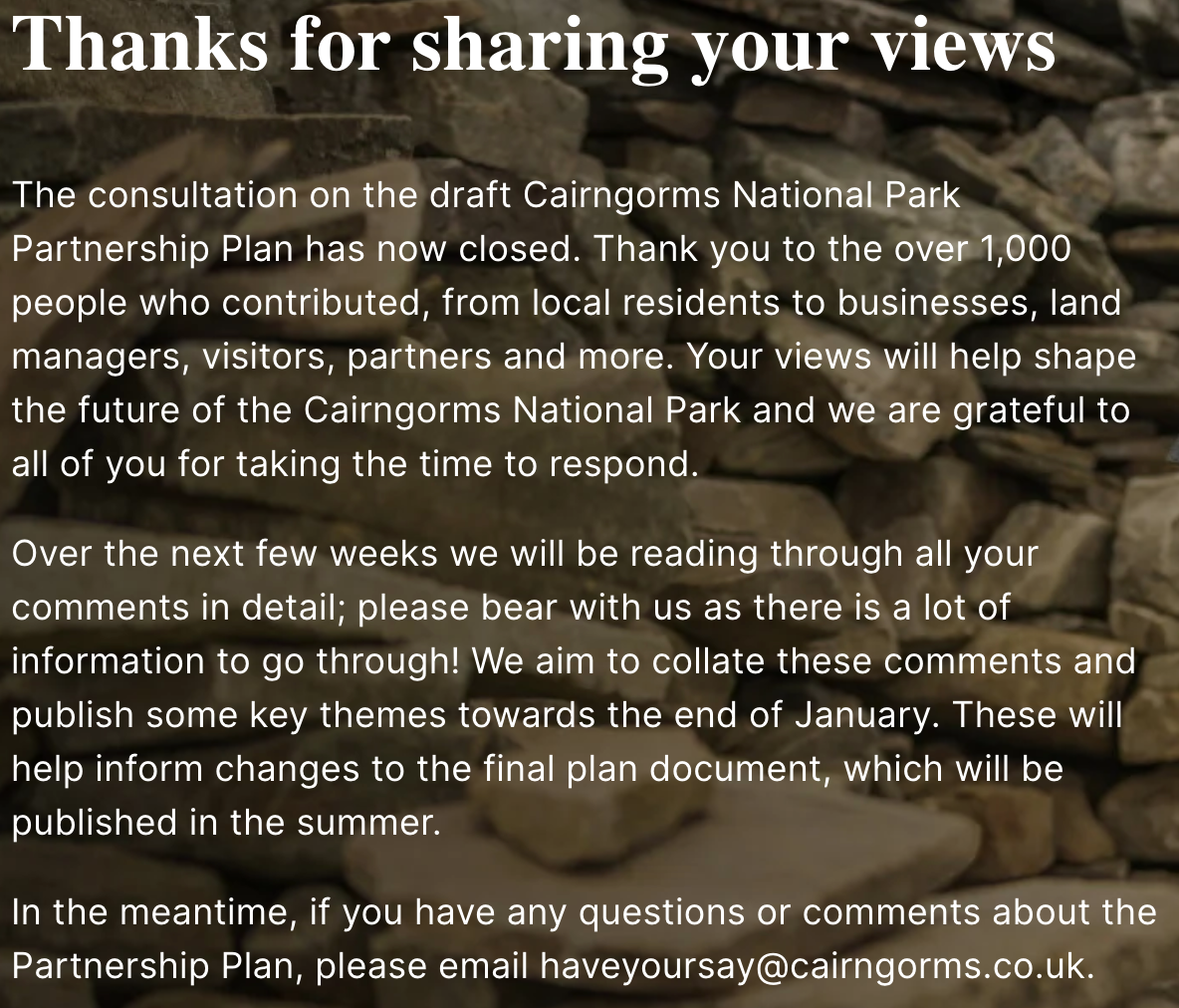
News post announcing closure and engagement results
Any other adjustments
You can update the text on any of the tiles or pages if you wish for it to reflect the website closure through using edit mode.
Still unsure about anything? There's lots more information here on the Commonplace Help Centre - alternatively, contact the support team and we'll be happy to help 👋
