Adding news is important for keeping your respondents up to date on the progress and development of the consultation
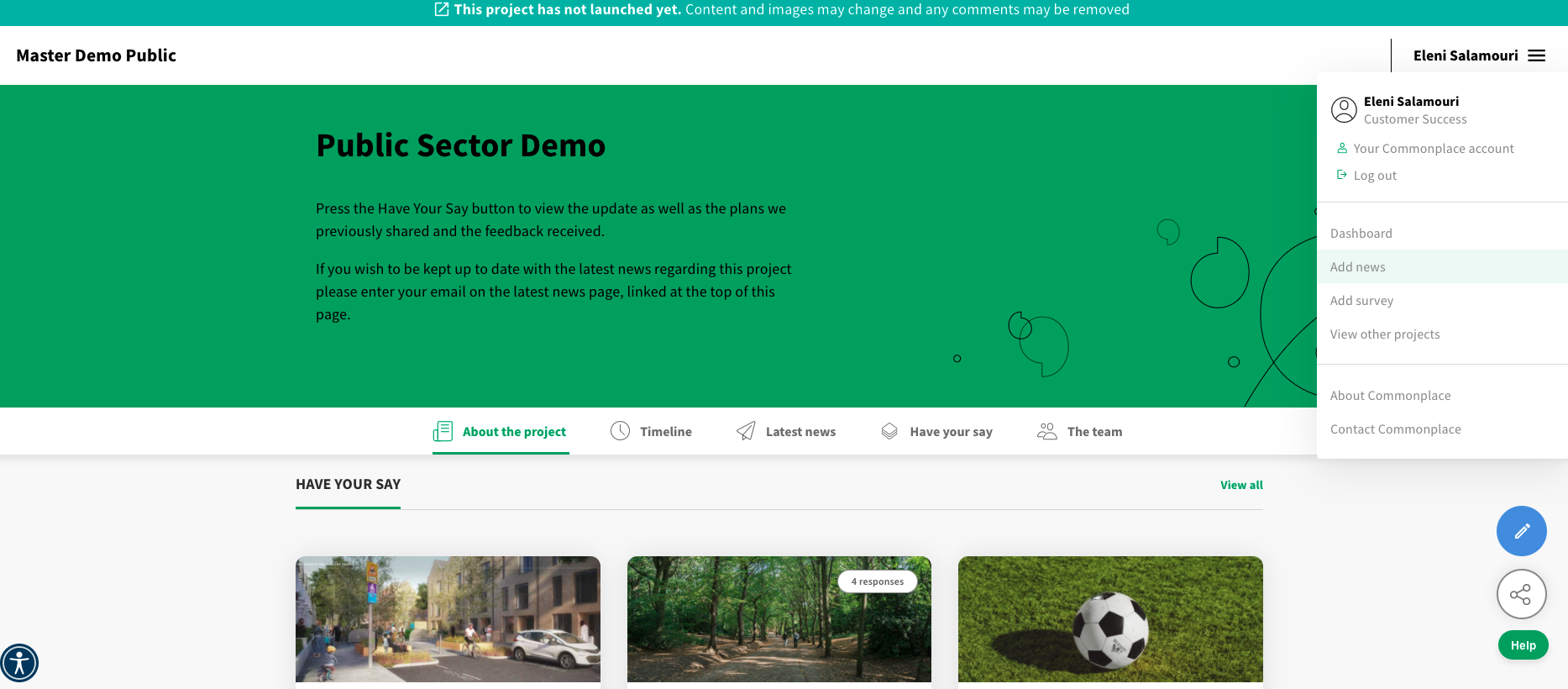
Click on the menu on the top right of your website and select ‘Add news’
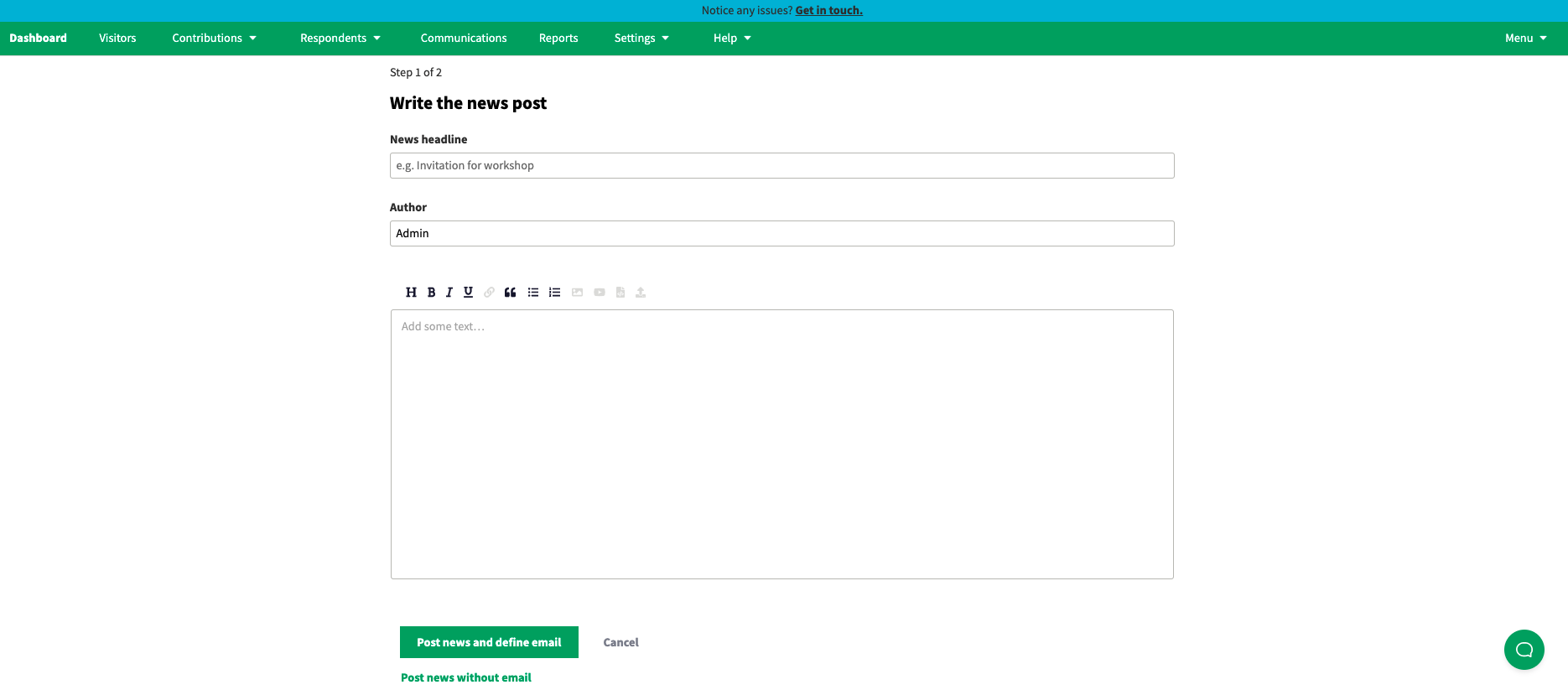
Compose your news post following the page guidelines and ‘click post news and define email’ once you have finished writing the post. If you do not wish to notify subscribers about your post via email simply click ‘Post without news email’. This will publish your post.
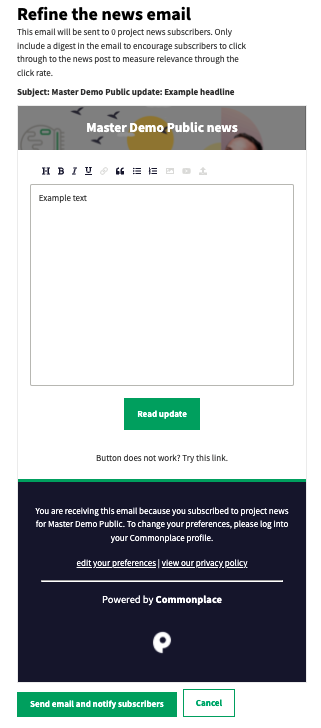
If you choose to notify subscribers by email, please refine the email that will be sent out. Once you are finished click ‘Send email and notify subscribers’.
Congratulations, your news post has been posted successfully! You’ll be able to see it on your ‘Latest news’ page along with how many subscribers were notified.

Still unsure about anything? There's lots more information here on the Commonplace Help Centre - alternatively, contact the support team and we'll be happy to help 👋
