When building your Commonplace project, you may find that you want to build several proposal tiles with similar content or questions. Manually re-creating the content or questions on each tile is time-consuming - that's why we built the 'import content' tool.
This tool allows you to easily import all content and survey questions from one tile into another tile. The imported content will be added after a page break.

The steps to use the import tool are as follows:
Enter edit mode by clicking the blue 'edit page' icon
Create a new tile - or choose an existing one - that you'd like to import content into
Scroll down in the right hand panel until you reach the 'Import content from another tile' section
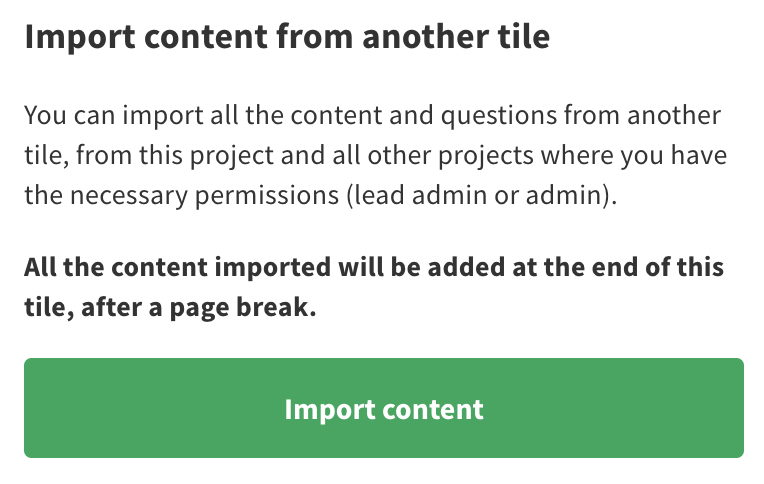
Click the 'import content' button
In the window that pops up, select the project and then the tile that you would like to import from -type in the selection boxes to search the list
Click the 'import' button
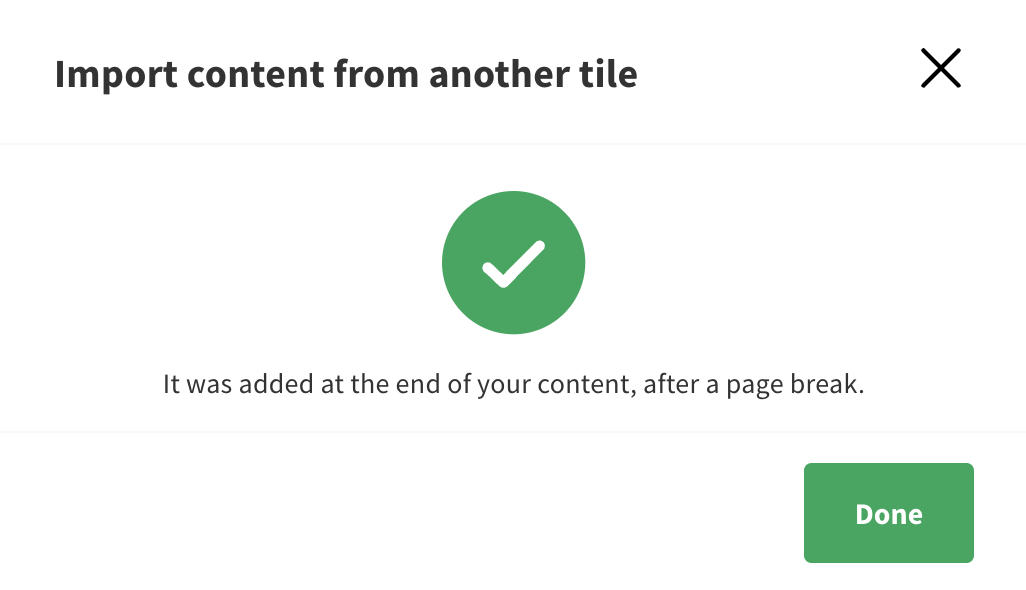
The content from the page you selected will be imported after a page break
Still unsure about anything? There's lots more information here on the Commonplace Help Centre - alternatively, contact the support team and we'll be happy to help 👋
