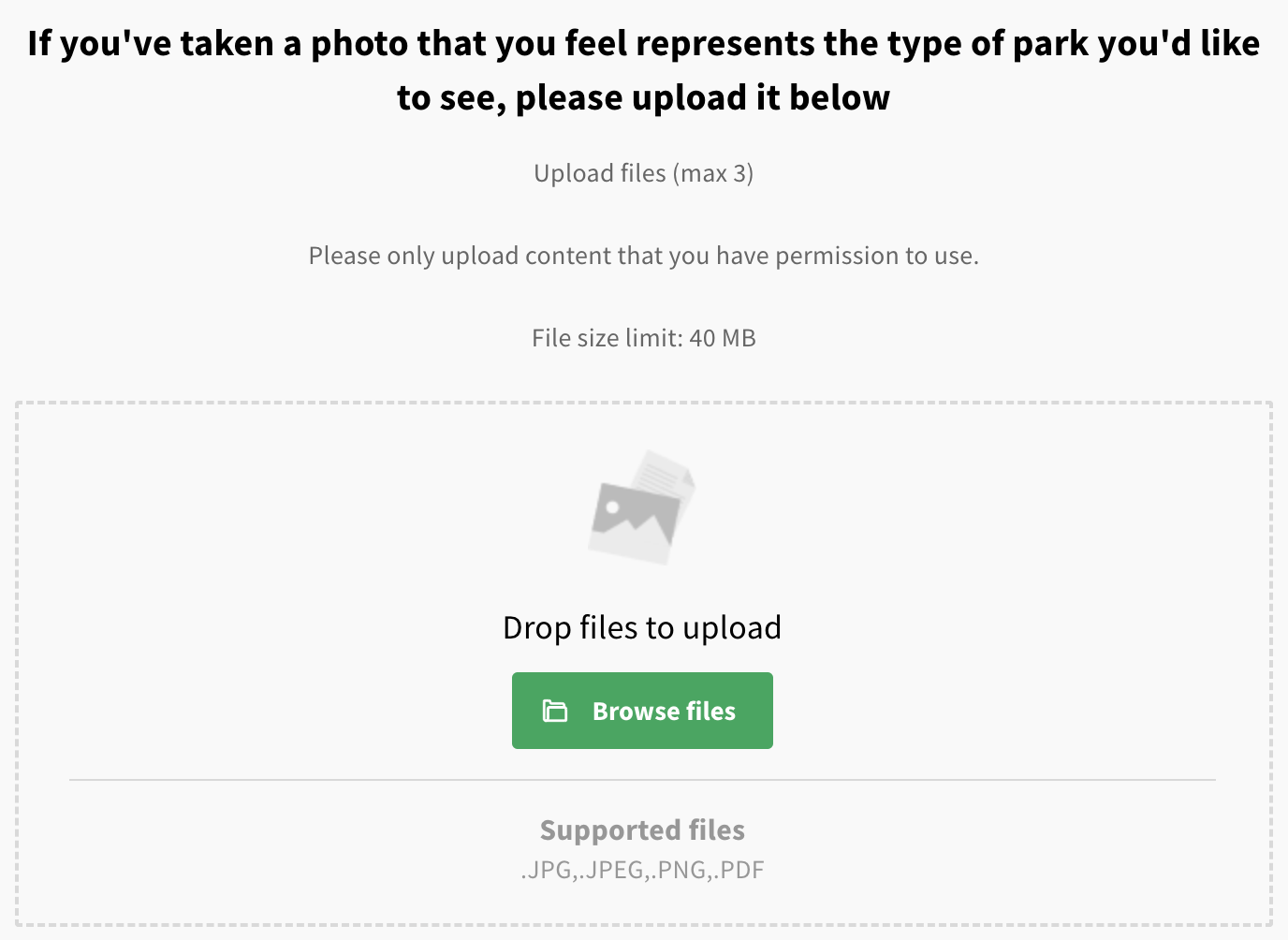
Above: An example of the respondent image upload question
Not to be confused with the PDF library content block, which allows project admins to upload PDFs which can then be viewed and/or downloaded by users.
This question type allows a respondent to upload one or more images (in JPEG or PNG format) or documents (in PDF format) to be included with their comment. The maximum file size is 40MB.
This question can be used in a number of ways - for instance, a pothole reporting map where respondents can upload photos of potholes they've noticed - or, as a way for a respondent to upload supporting documents when responding to a statutory planning consultation.
PDF documents uploaded by respondents are never shown publicly.
Images uploaded by respondents are shown publicly, after passing through an automated moderation process - any images that fail moderation will not be shown publicly.
Enter edit mode using the blue 'edit page' icon
In the left hand panel, go to the '+ add' tab and drag a 'media submission' question into the preview
Add a question label
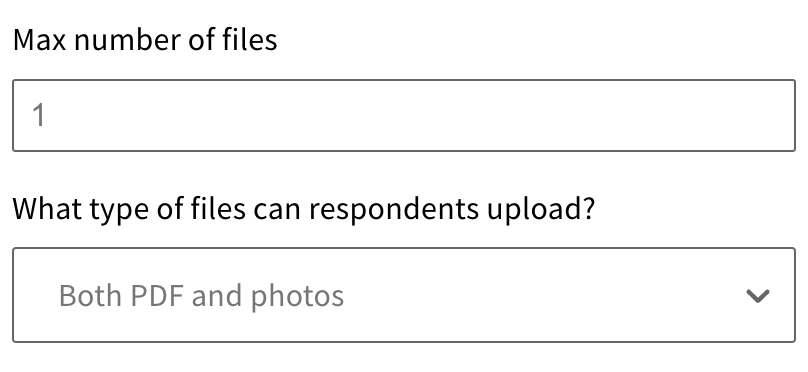
Set the number and type of files a respondent can upload
Once you've finished editing, remember to save your changes by clicking the blue 'save' button.
Still unsure about anything? There's lots more information here on the Commonplace Help Centre - alternatively, contact the support team and we'll be happy to help 👋
