When setting up a Commonplace, it's important to consider the effect the design of your survey will have on the data you collect.
If your survey is too complicated, people may ‘switch off’ without completing it. Using a variety of question types, at the right point, makes your survey more interesting and engaging, and it also helps to understand the bigger picture. Commonplace has a number of different question types, each suited to a different type of question.
Our recent Webinar goes in to more detail:
Question types Webinar
Engagement power: Question types and uses
Commonplace has a number of different question types, each suited to a different type of question - they are as follows:
The question types offered are described below. They may not all be available to you in edit mode, depending on your chosen plan.
The smiley face question is perfect for getting a simple view of how people are feeling. You can add labels to the faces, and also choose whether they display with the positive face on the left and the negative face on the right, or vice versa.
A smiley face question forms the overall sentiment of the project in your dashboard.
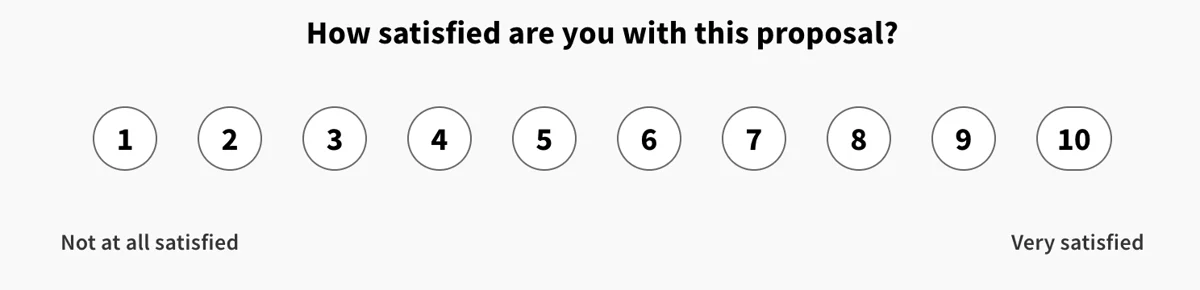
The rating scale question works similarly to the smiley faces, but instead of faces it simply displays numbers.
This is good to measure questions on a numerical scale.
If you use this question as a sentiment indicator, the option is currently set to 5:
If you use the question without sentiment, you can set any number of options e.g. Likert scale
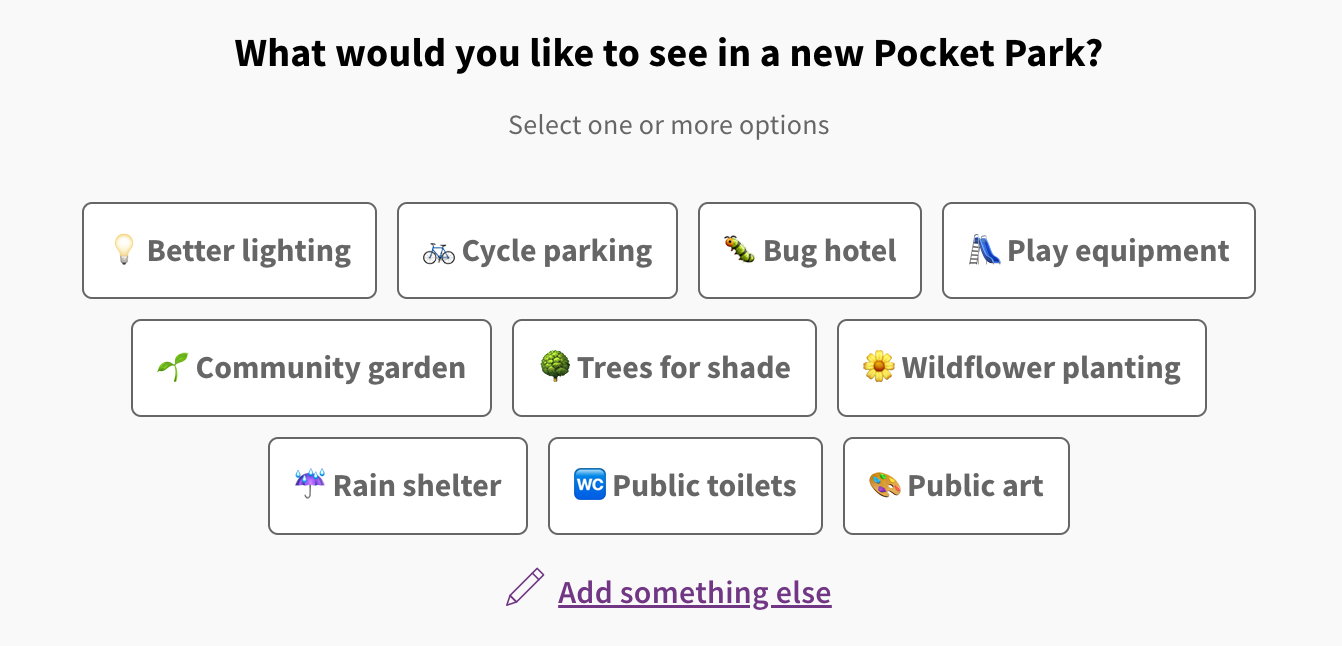
These question types give your respondents a pre-set list of options to choose from. In other words, they operate like a dropdown with multiple choices to choose from.
A multiple choice question allows multiple options to be selected, whereas a single choice question only allows a single option to be selected. We always recommend to keep the option to ‘add something else’ so that respondents can write their own options in. This is especially helpful to avoid respondents to perceive your question as biased. One of the major benefits of these types of questions is that they avoid the labour-intensive data analysis involved with free text comments.
A multiple choice image poll functions the same way as a text based multiple choice questio , but instead of the boxes being purely text, they include an image, too. This makes your survey much more visually interesting and is proven to drive engagement rates upwards.
Ranking questions allow respondents to rank options in order of preference or priority. We suggest using up to six options as a larger number often means people only move their top issues around, leaving the remainder in a random default order.
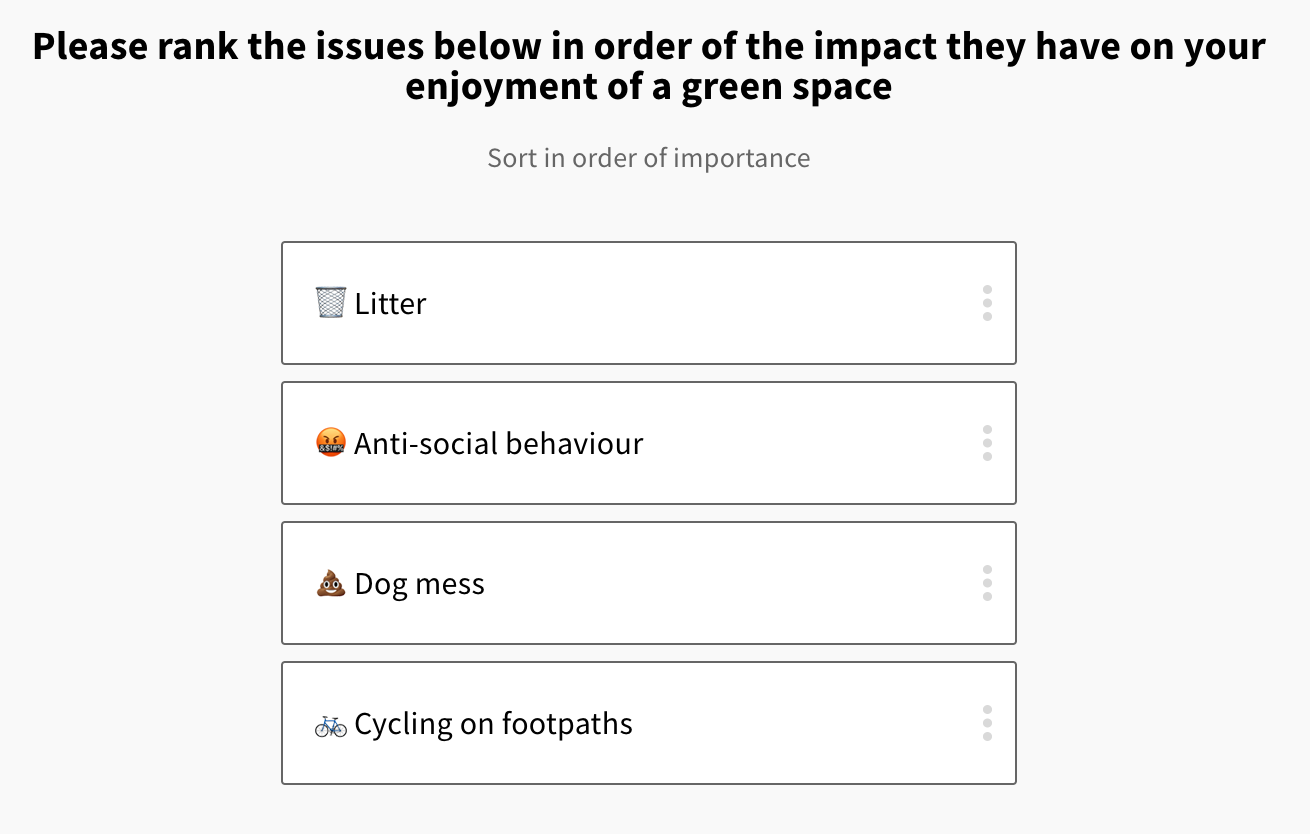
You can choose between single or multiple select, also setting the maximum number of multiple-choice options available.
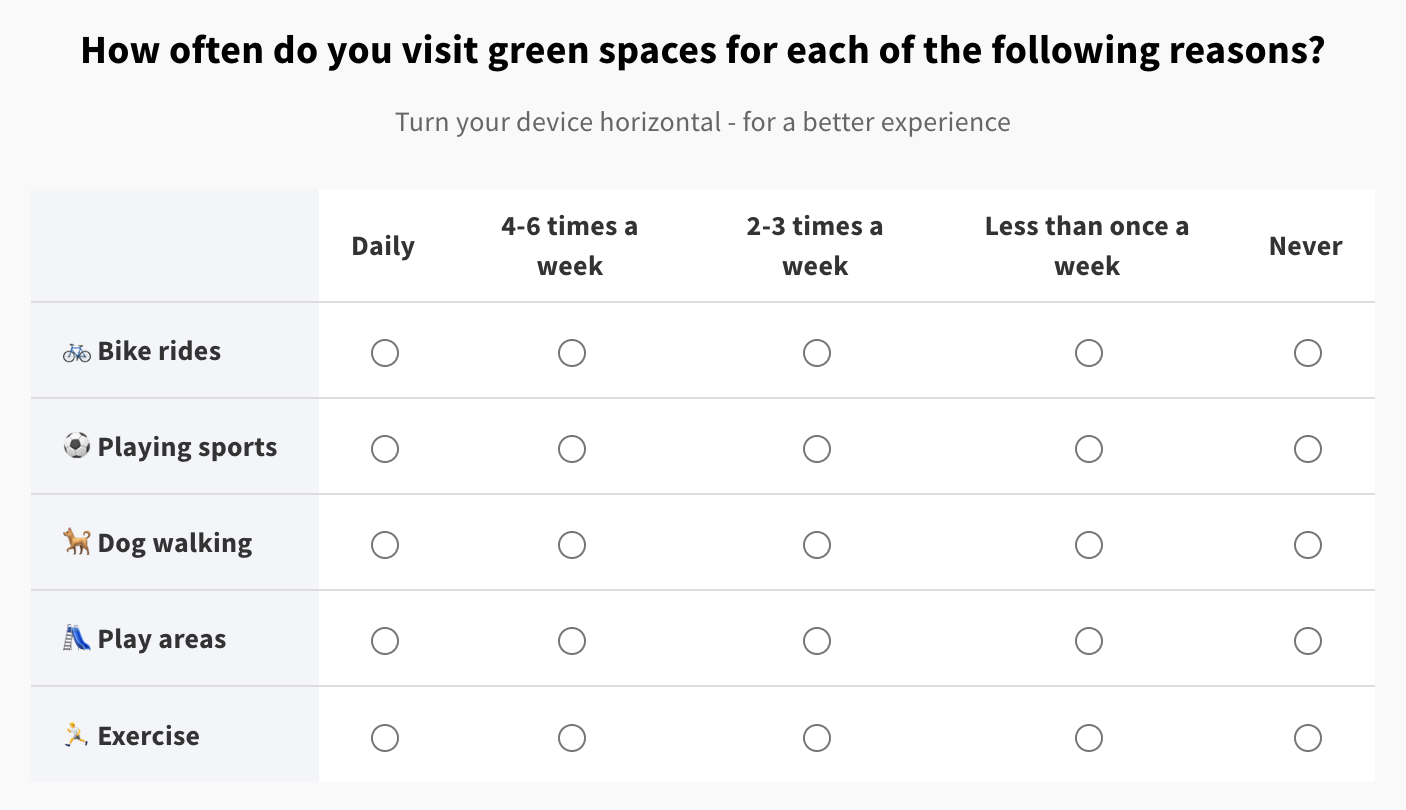
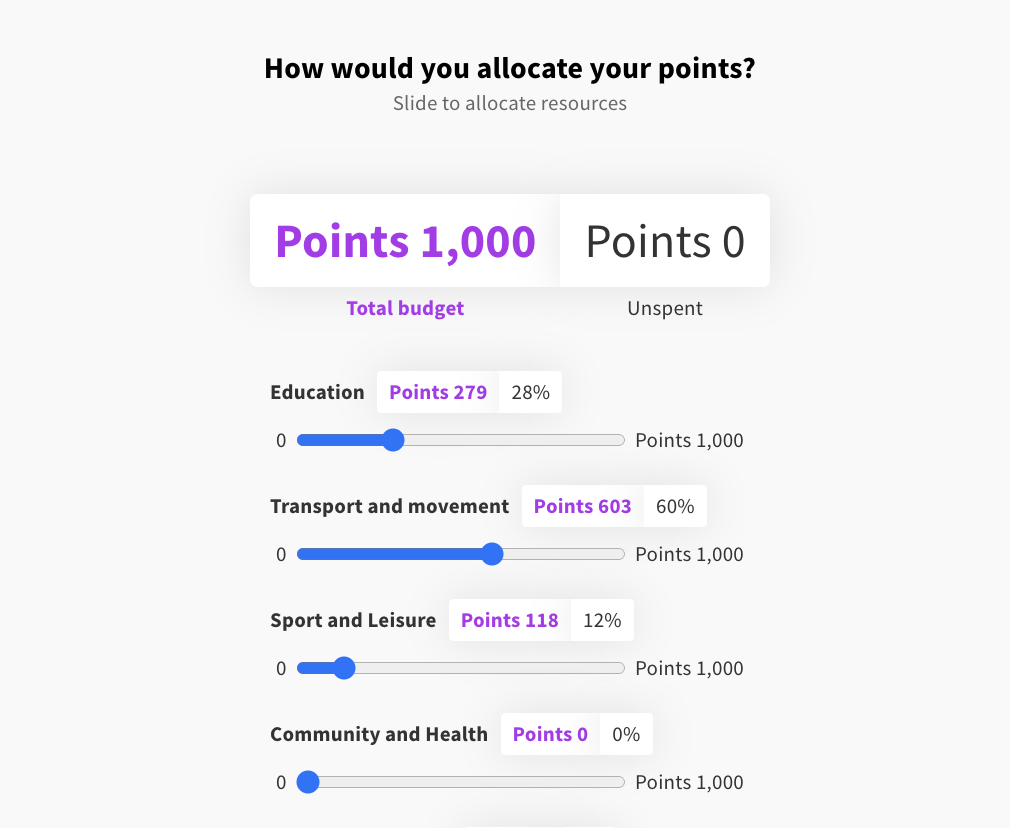
Full article: Question types: Budget / resource allocation
Keen to ask respondents to allocate or prioritise a finite resource across multiple categories? The budget or resource allocation question type can be used for budgeting and allocation of resources e.g. how many units shall we build across different sites.
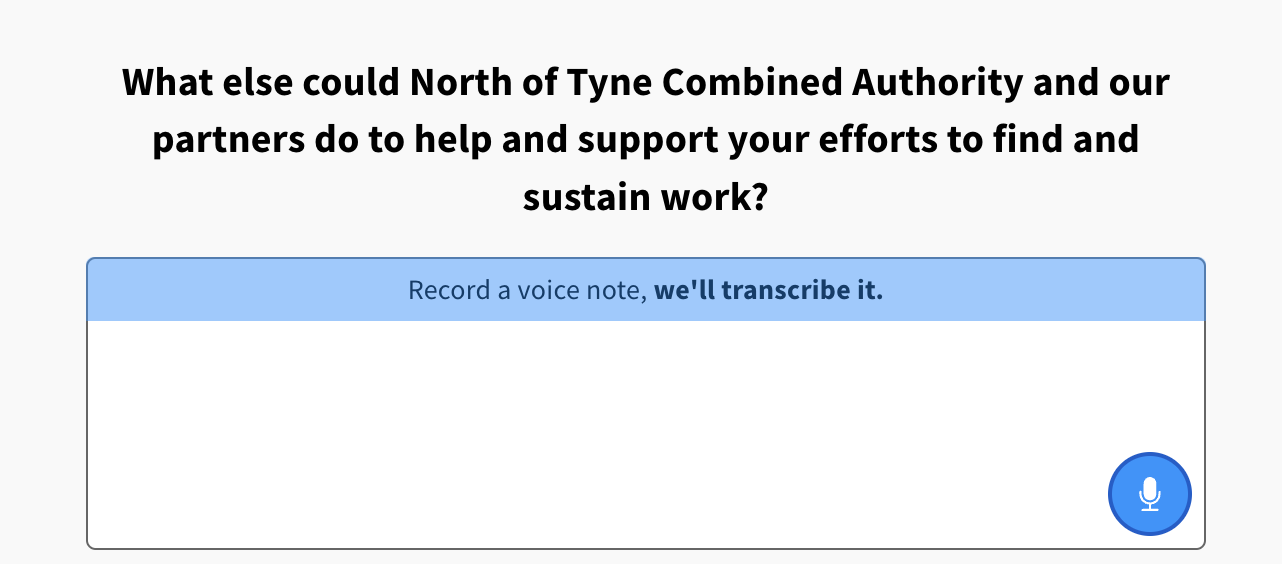
Sometimes you’ll want to give respondents the opportunity to write whatever they want - you can choose from the short (single line) and long (multi-line) questions. These boxes do not have a character limit, but give an indication of the amount of text you expect a respondent to write. It is always good to have one of these open-ended questions in a survey.
For free text questions, there is also the option to switch on voice notes which lets respondents record their voice and transcribe their words into text. Respondents can choose if they like their voice recording to be public.
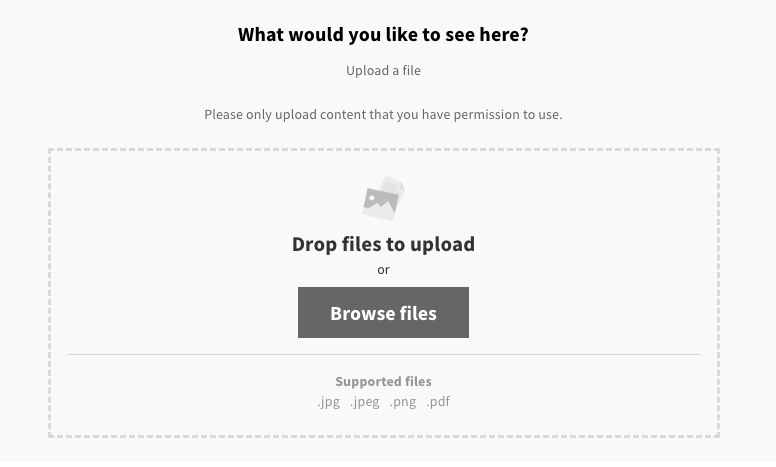
This question type allows respondents to upload images and PDFs in response to a question.
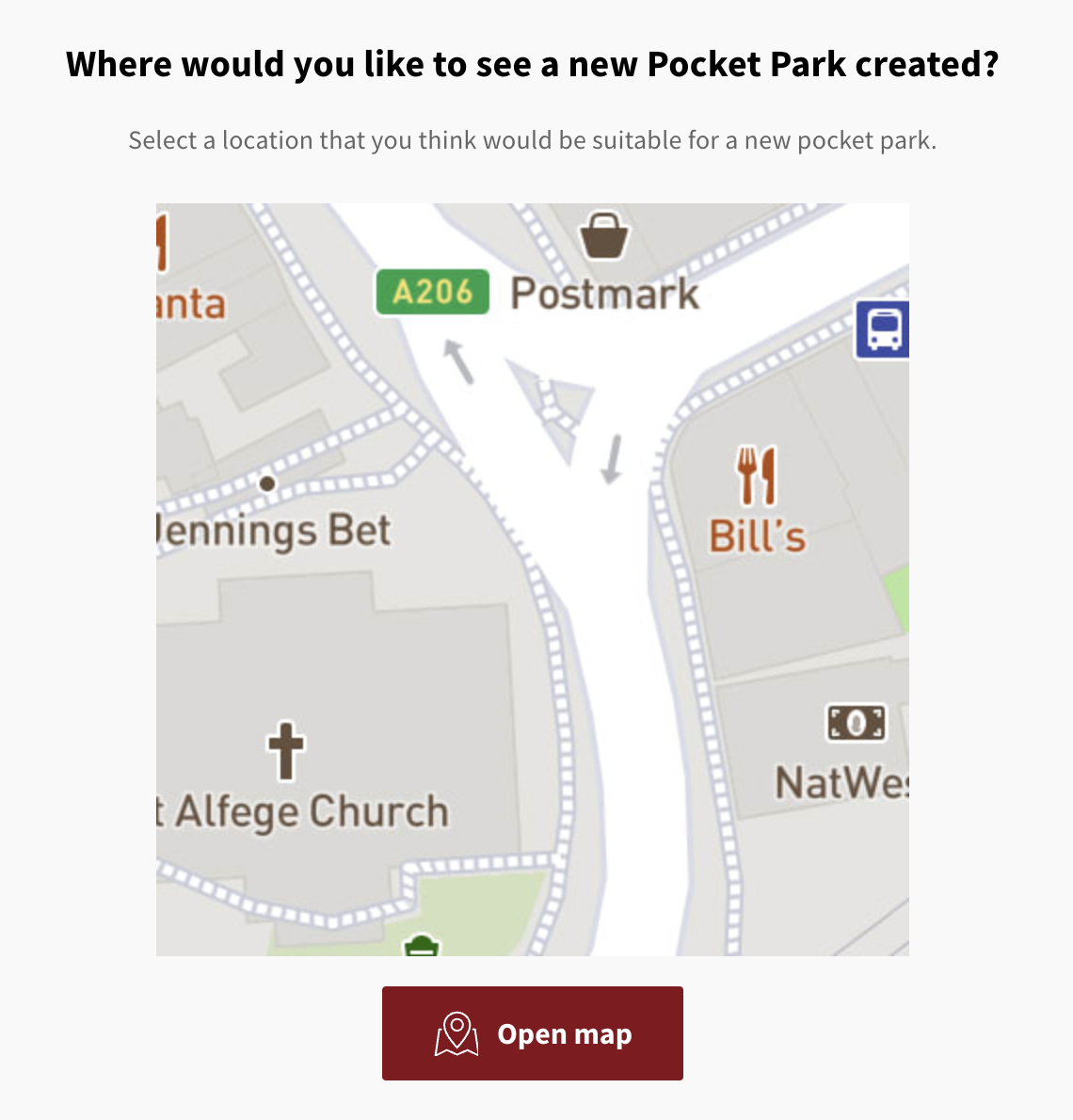
Map as a question is suitable for situations where the Community Heatmap isn't needed or wanted. This can be helpful for hidden comments in a map scenario. It's also possible to comment with a polygon on map as a question, which is super helpful for receiving suggestions of sites or placed for development, for example on call for sites for a local plan.
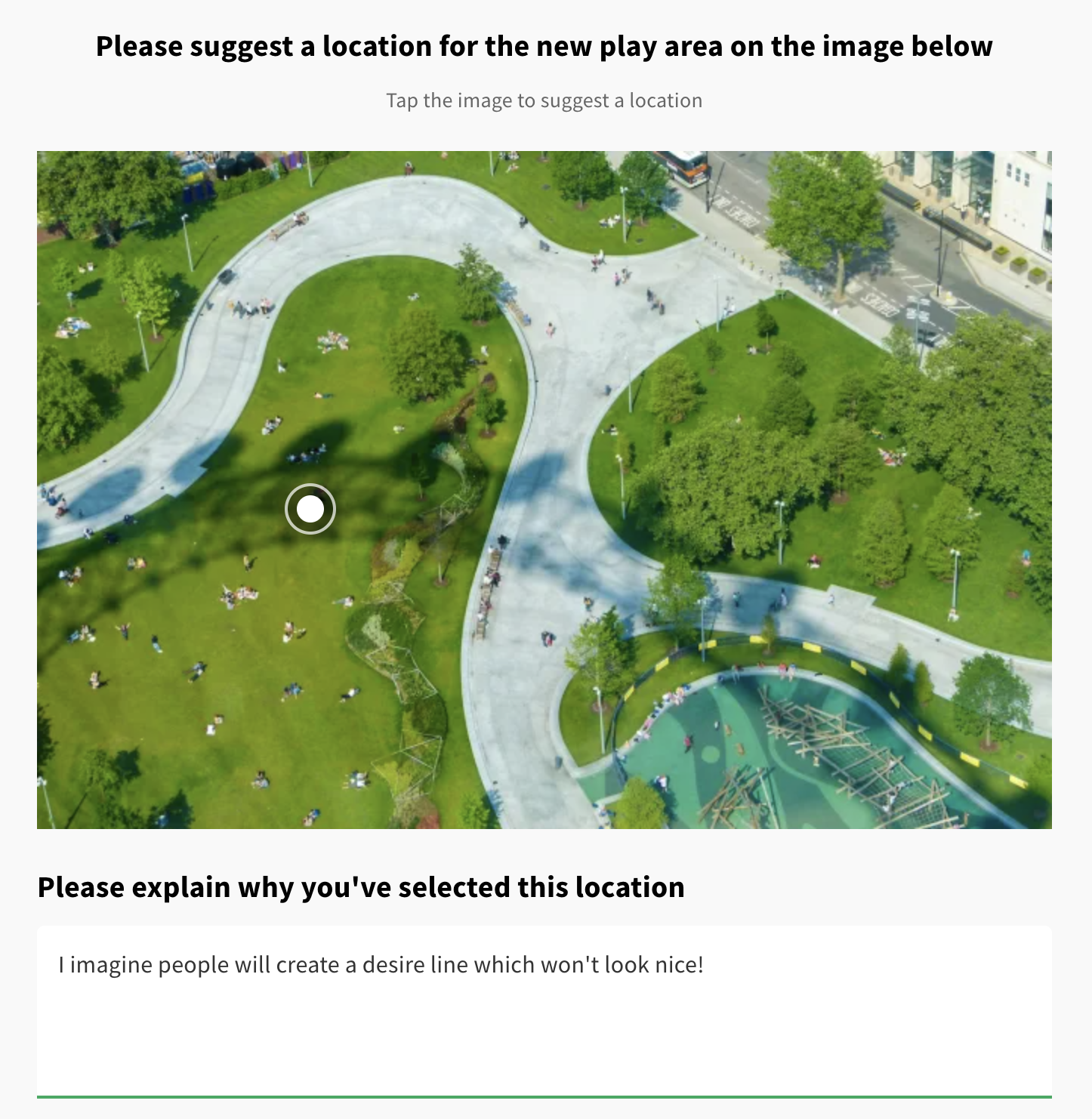
Comment on image is a fantastic visual question for gaining feedback and suggestions on proposed plans or artist impressions. Respondents pin a position and answer questions that are defined for each image.
This is a really rich way of engaging your community in genuine co-design and collaboration.
Please get in touch with your Customer Success Manager to enable this question type for your Commonplace.


Still unsure about anything? There's lots more information here on the Commonplace Help Centre - alternatively, contact the support team and we'll be happy to help 👋
