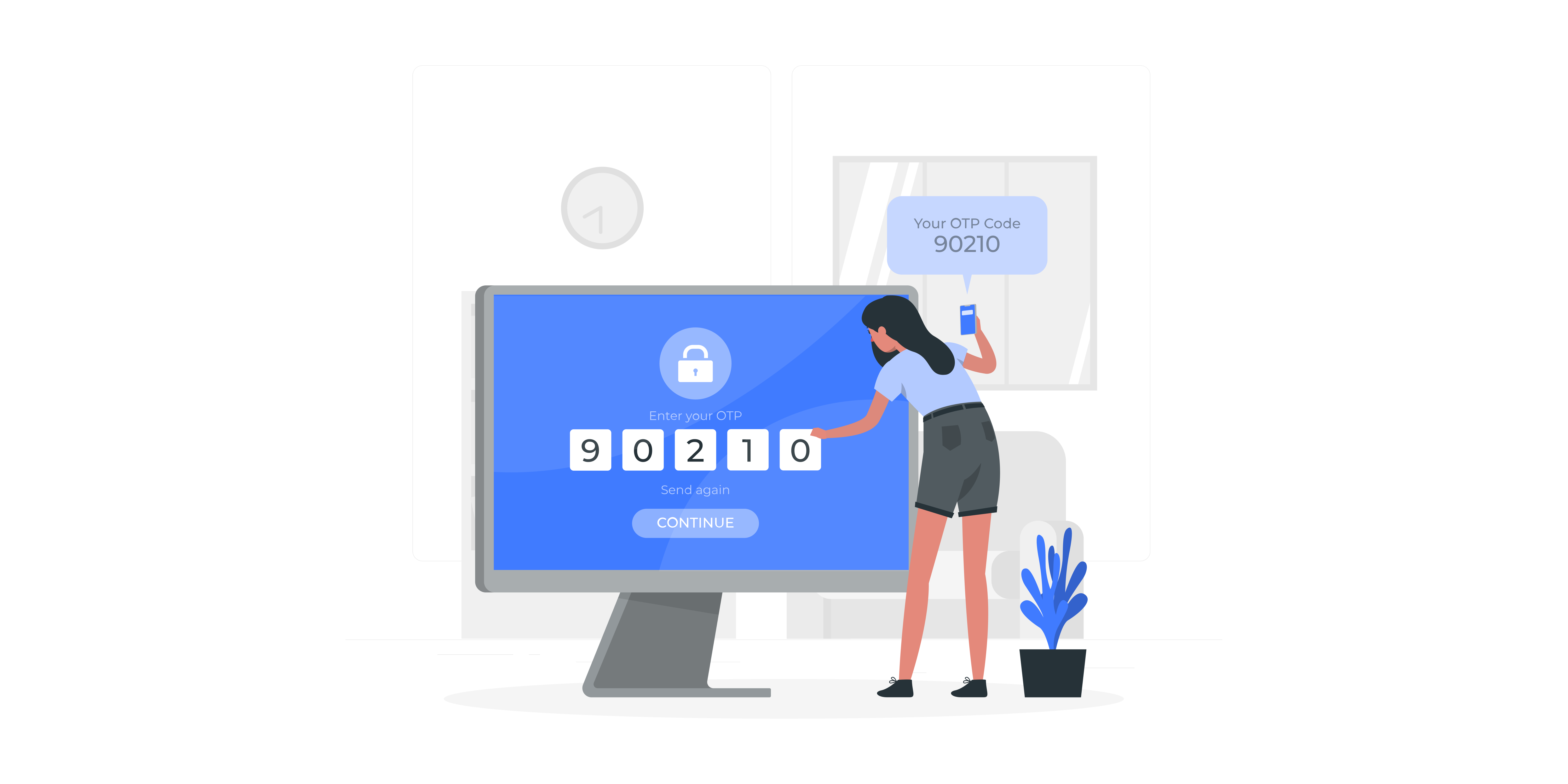
Multi-Factor Authentication (MFA) adds an extra layer of security by requiring you to enter a unique code from a second source, such as an authenticator app or your email. This means that even if someone were to gain access to your Commonplace username and password, they would not be able to log in without also having access to your email or authenticator app.
Engagement team members will be asked to choose an MFA method upon logging in for the first time. Only engagement team members are required to use MFA - end users/respondents are not.
With this method, a unique six digit code will be sent to your email every time you log in using your password. This code will only work for a limited period of time - after that you will have to generate a new one.
With this method, an authenticator app will generate a new six digit code for you at regular intervals (usually every 30 seconds).

After the new login system has been released, you will be invited to set up MFA the next time you log in.
You will be given the choice of setting up MFA either through email or via an authenticator app.
You will be able to skip this choice the first time you log in - after a period of time you won't be able to skip any more and must set up MFA.
If you choose MFA via email you will be sent a 6-digit code. You will then need to enter the code into the page in order to verify it.
If you choose MFA via authenticator app, you will need to download an app from your mobile device app store. We recommend using an authenticator app from a well-known supplier such as Microsoft or Google.
Google Play Store:
Apple App Store:
Because MFA via authenticator app is more secure (because it requires access to a second device), you will have the option to upgrade from MFA via email to MFA via authenticator app. You will not be able to do the reverse.
If you have any further queries about MFA, please contact customers@commonplace.is.
Still unsure about anything? There's lots more information here on the Commonplace Help Centre - alternatively, contact the support team and we'll be happy to help 👋
