This article includes a few handy tips for designing great surveys. Good survey design can encourage higher completion rates by making questions more focused and easier to understand, whilst also avoiding perceptions of bias.
Use a variety of question types - both to keep your respondents engaged, and to enrich the data you gather. More interactive and visual question types (such as the ranking question, budget question or comment on an image) can make your survey feel more engaging, whilst free text questions provide richer insight by helping you understand the ‘why’ behind the ‘what’ provided by quantitative questions.
Use page breaks in your survey to keep individual ‘steps’ focused and short. This helps keep respondents engaged by limiting the number of questions they’re required to complete at once.
Many of the tips from our project launch checklist apply to survey design too - use clear, easy to understand language and avoid using jargon and acronyms.
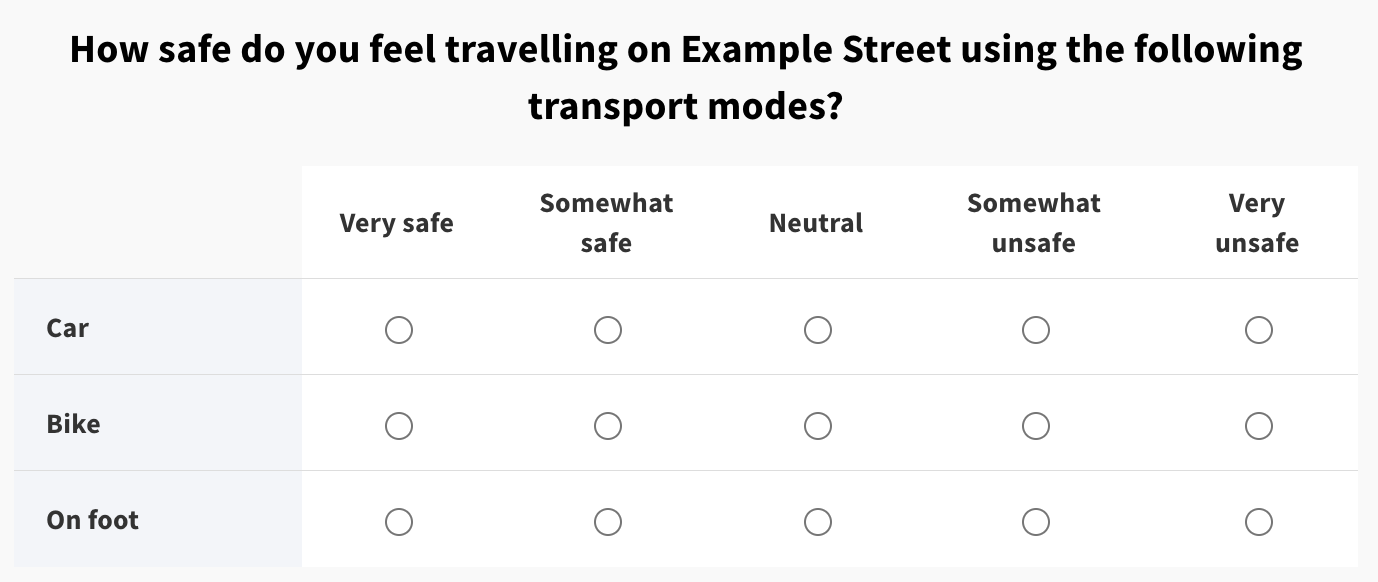
Include a 'not applicable' option where relevant. For example, in the question below, how do you answer if you never travel on Example Street by bike? Adding a 'not applicable' option ensures you're not collecting inaccurate data.
Similarly, for 'yes / no' questions, consider including a 'not sure / don't know' option.
For questions with scales from positive to negative (also known as Likert scales), it's best to use 'symmetrical' scales. This means that there should be equal numbers of positive and negative options, and opposite options (like 2 and 4 on a 1-5 scale) should be equally strong.
Be wary of leading questions or bias in your question wording. For example - 'What's the best thing about our proposals?' might come across as assuming positivity about the proposals from your respondents.
Check that the 'add something else' option is only enabled where needed. For example - a scale from 'Very positive' to 'Very negative' does not need an 'add something else' option - all the possible options are already listed. Additionally, free text responses in the 'add something else' field can generate additional analysis work to categorise the answers people provided.
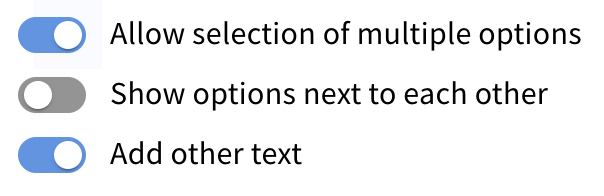
Check that respondents can only select multiple options for questions where it makes sense to. If you're asking respondents to select their top / favourite option, generally they should only be able to select one.
Be selective about which questions you make mandatory. For more information, see our article about mandatory questions.
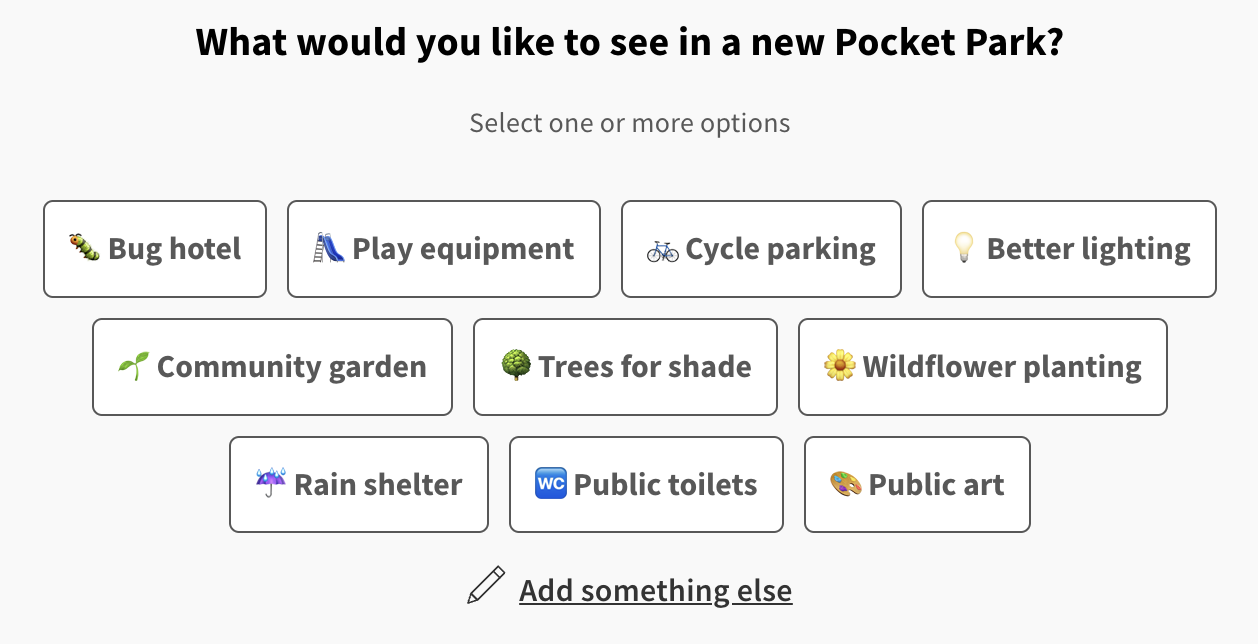
Try using emojis to make your survey more visually interesting.
Avoid directing respondents away from your survey. It can be tempting to include links to pages or documents providing further information, but directing respondents away from your survey can negatively impact your response rate.
Still unsure about anything? There's lots more information here on the Commonplace Help Centre - alternatively, contact the support team and we'll be happy to help 
