Your dashboard is divided into Sections, each section has a distinct purpose and gathers different types of data for you to use:
Tip: the left side navigation can be extended by clicking on the yellow zone.
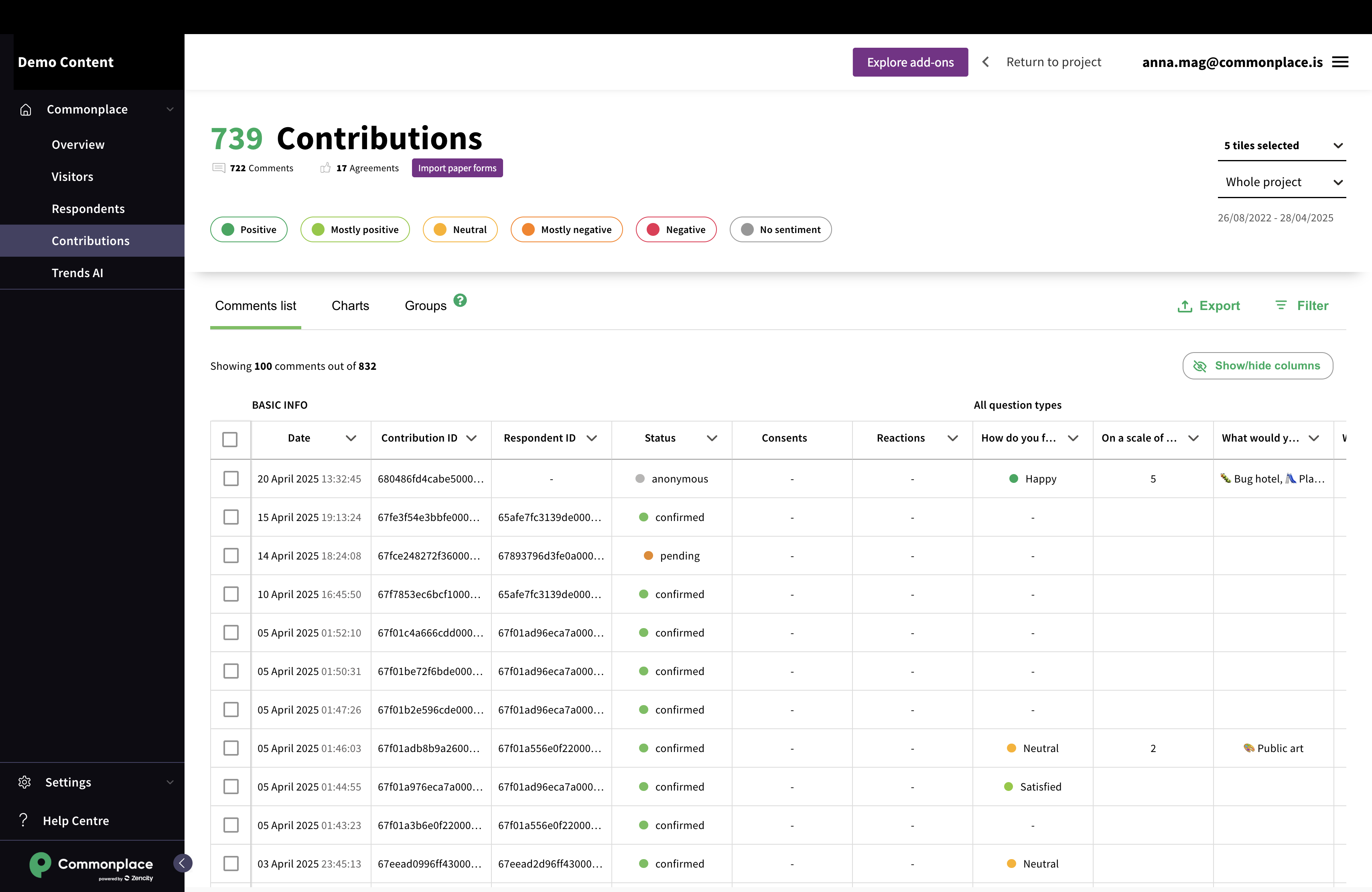
Track your project traffic sources and ensure that you are visible where it matters.
This page uses unique visitors per days.
In another hand, 1 person visiting 1 time per day 7 days in a row will count as 7.
This means that 1 person coming back 100 times within 24 hours will count as 1.
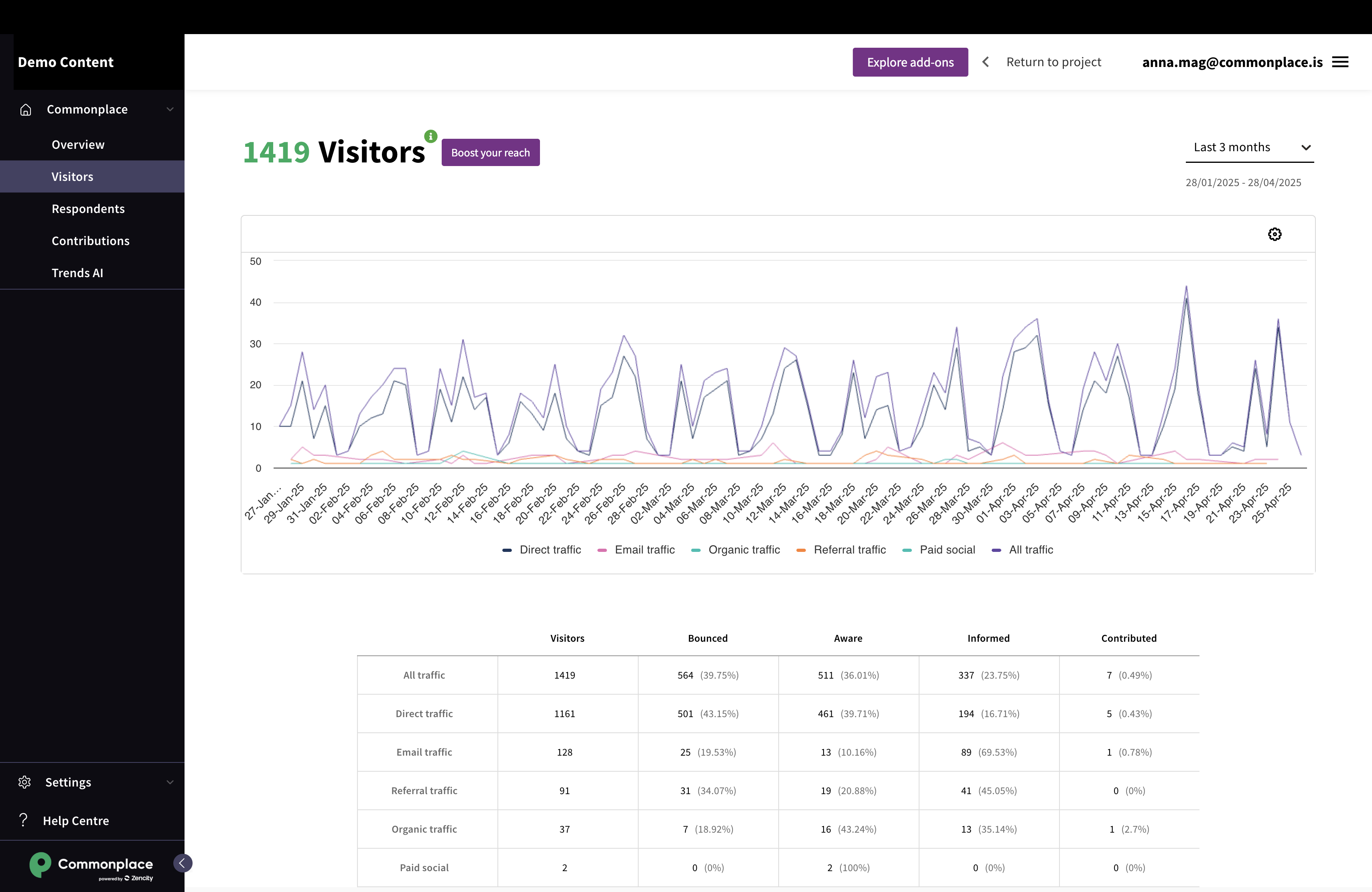
Analyse who comments on your project and the demographics you cover.
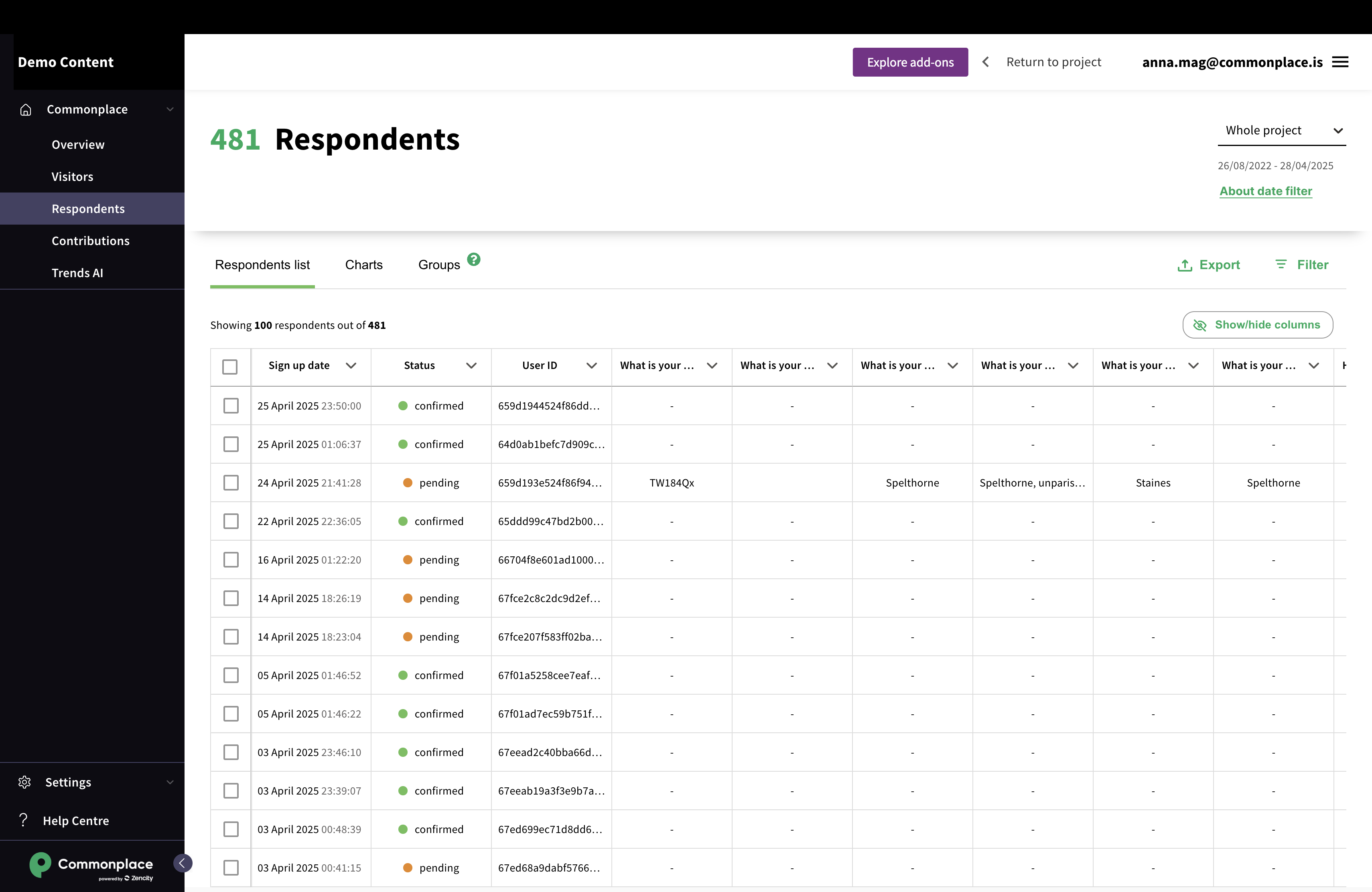
Dive into what people say about your project and share your analysis in elaborate reports.
Visitors, Respondents and Contributions are each separated in tabs. Tabs are a lower level of navigation that allows you to see your data in different ways.
Tip: when switching between tabs in a section, the filters stay applied.
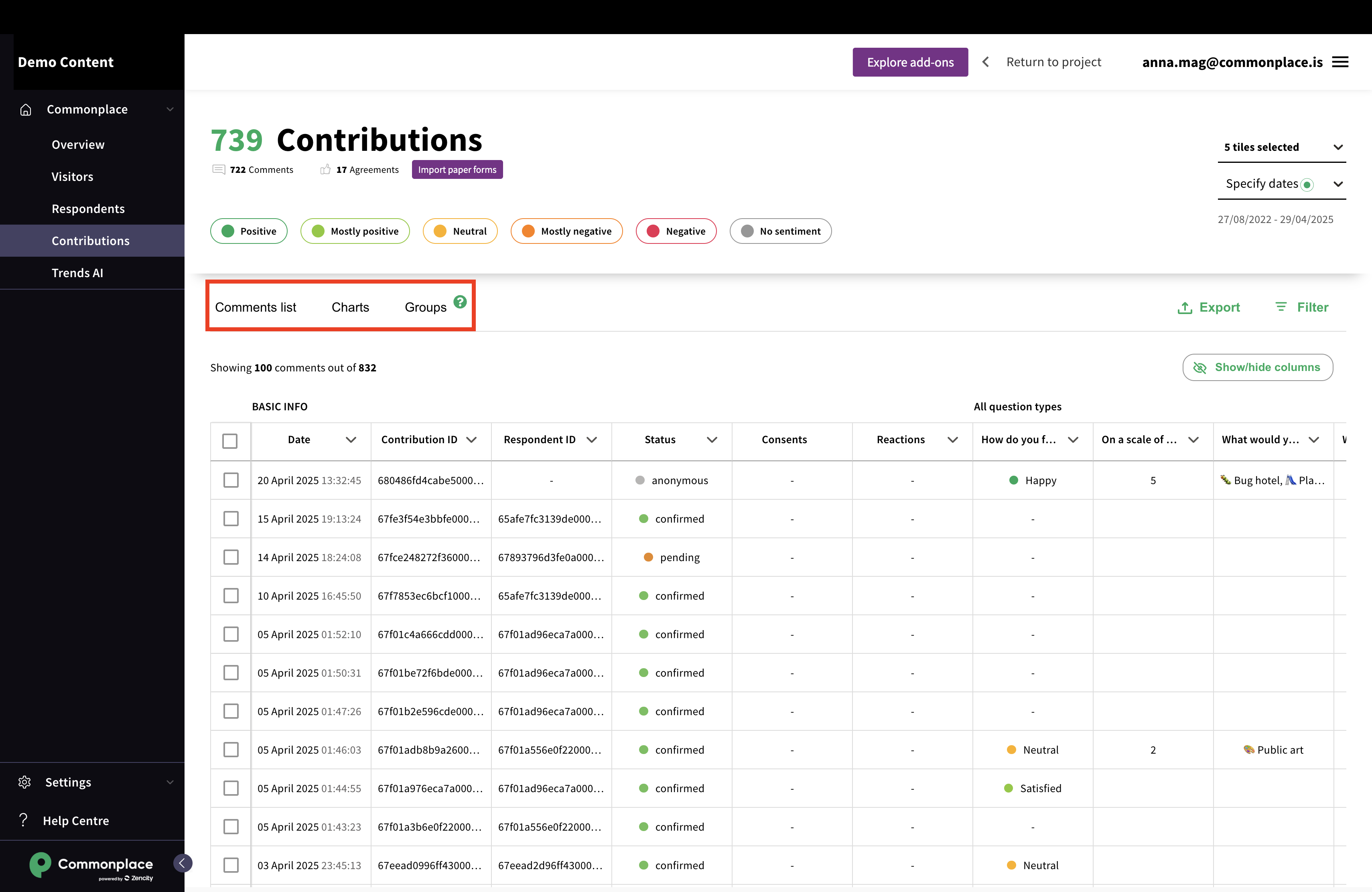
This first tab gathers the raw data. It can be filtered, grouped, re-organised and exported.
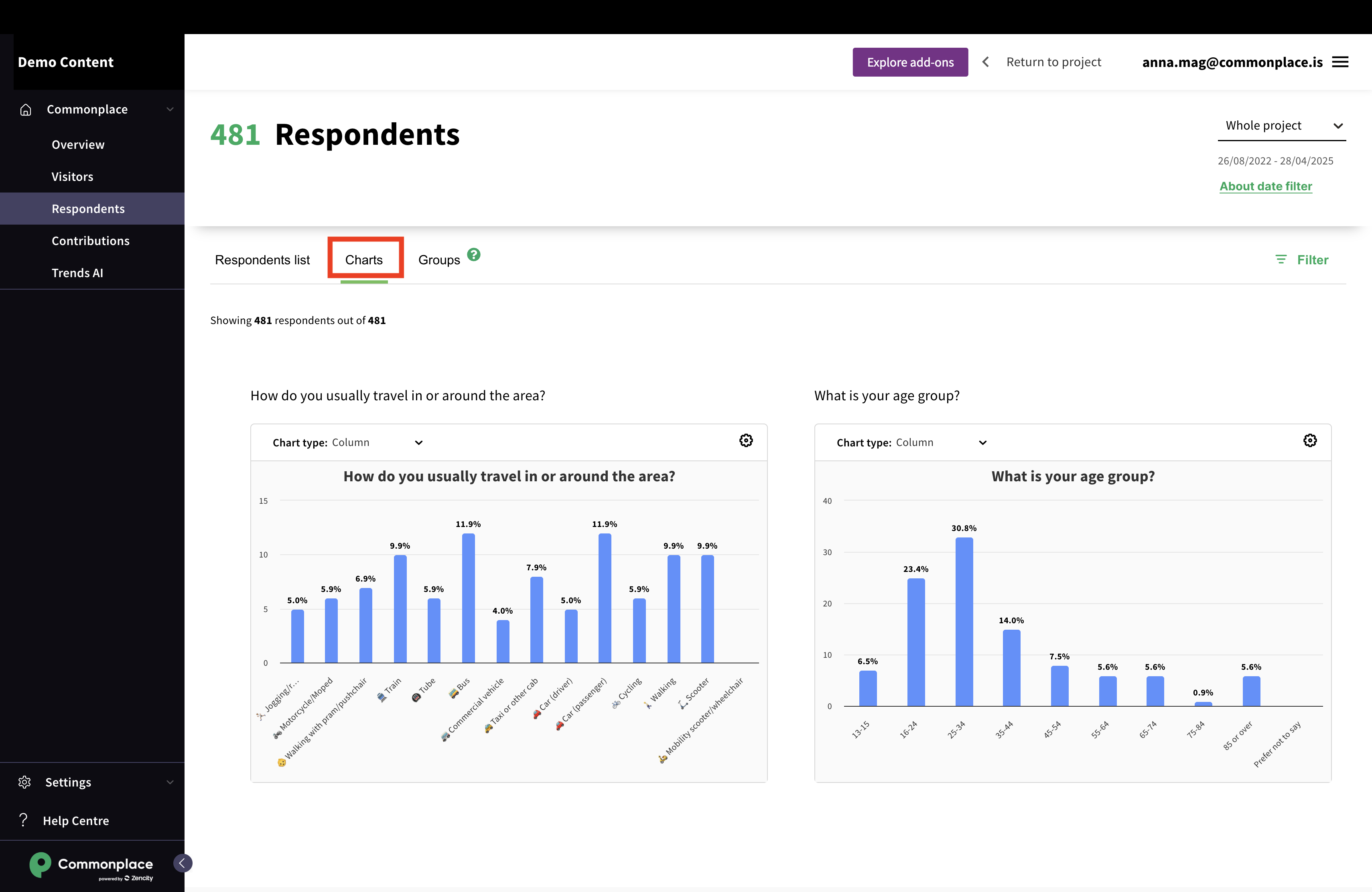
This tab displays the same data as on tables in an easy to analyse way.
Charts can be filtered, re-organised and exported.
Learn more about using the charts here.
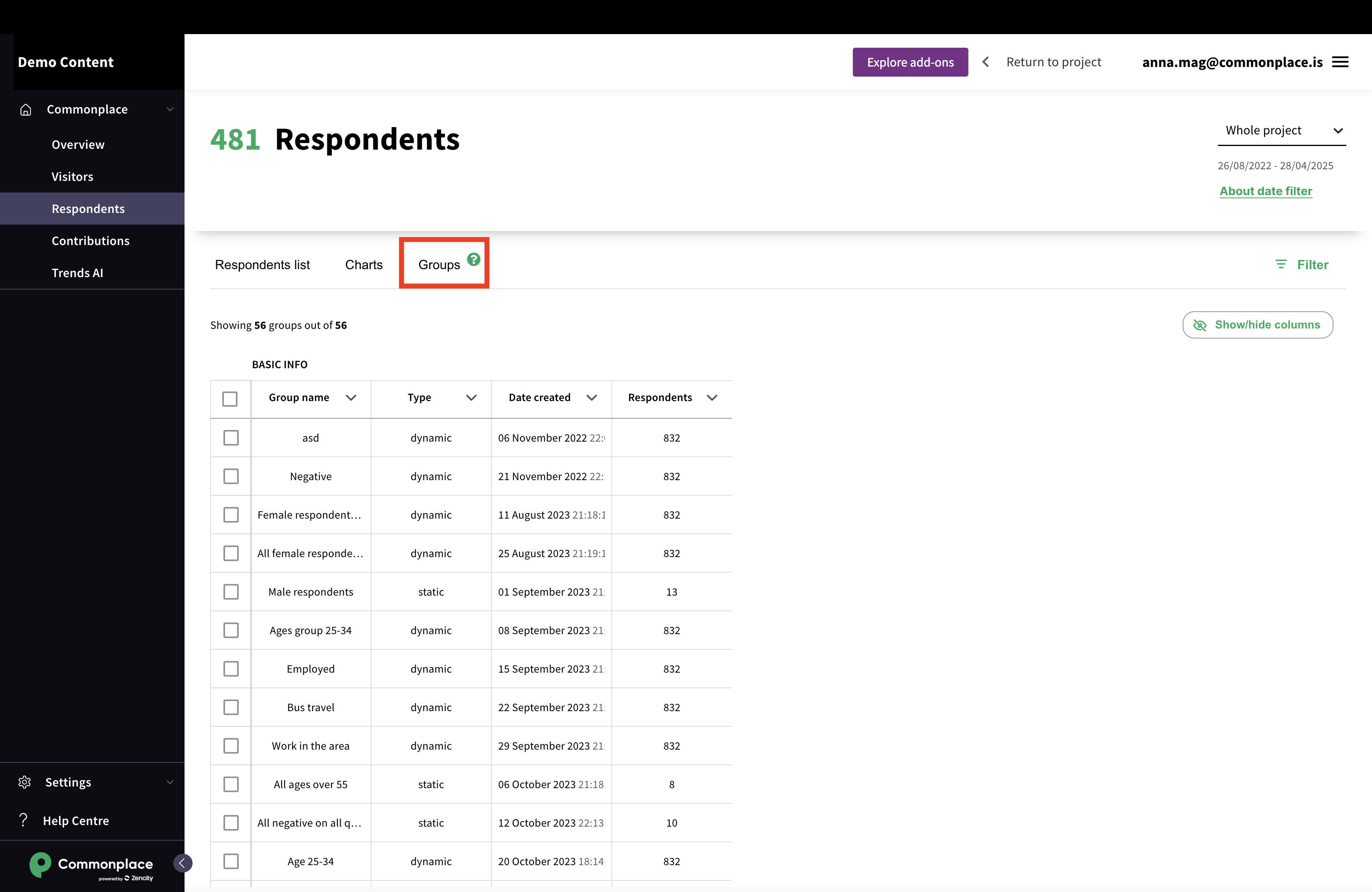
This tabs displays all the groups created and their key metrics.
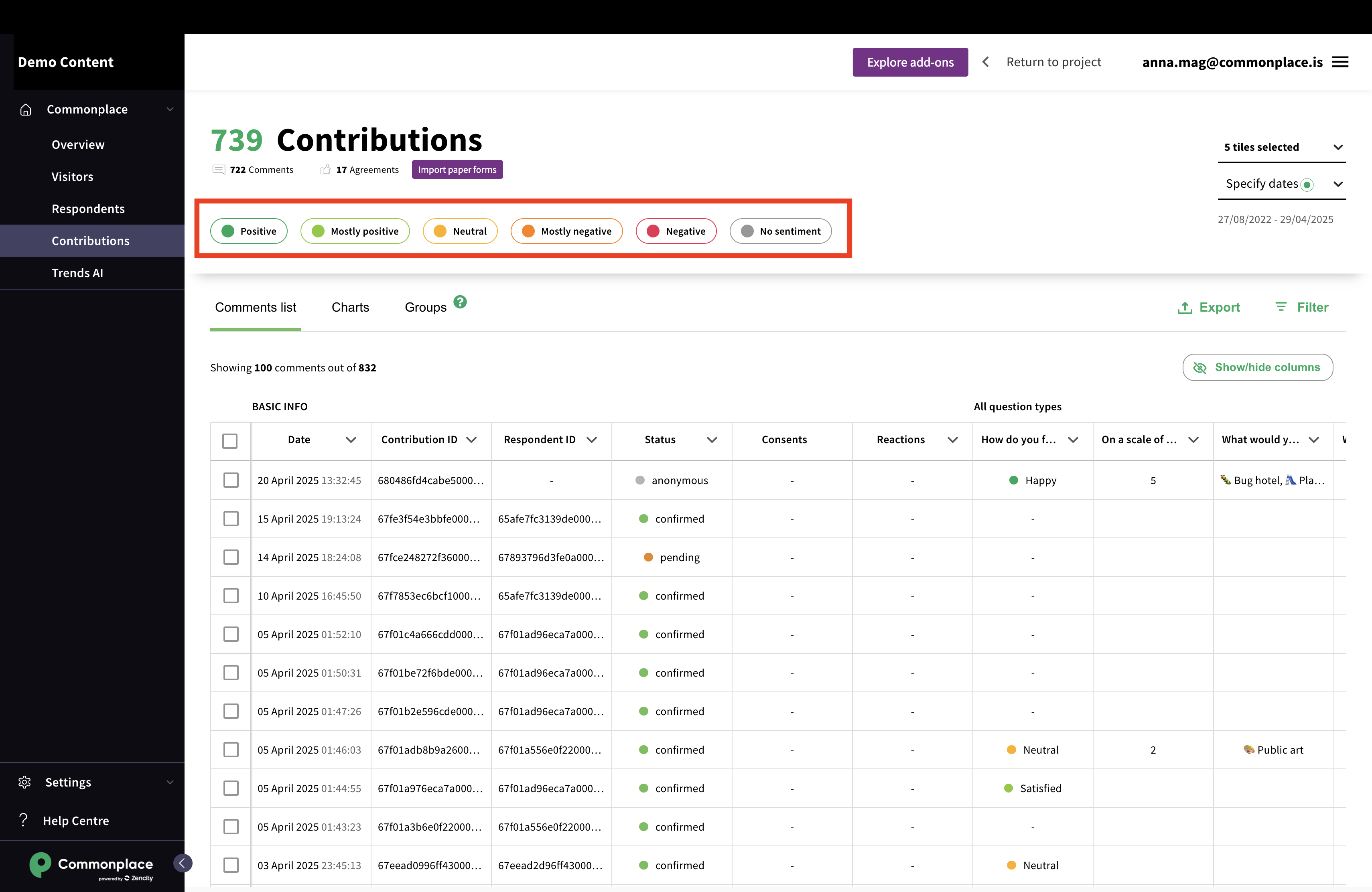
Each section and tab can be divided in 3 parts.
Note: these 3 parts are not present on all pages.
This part allows you to set high level filters that will change the scope of the data to visualise.
They will stay active when navigating through your various tabs.
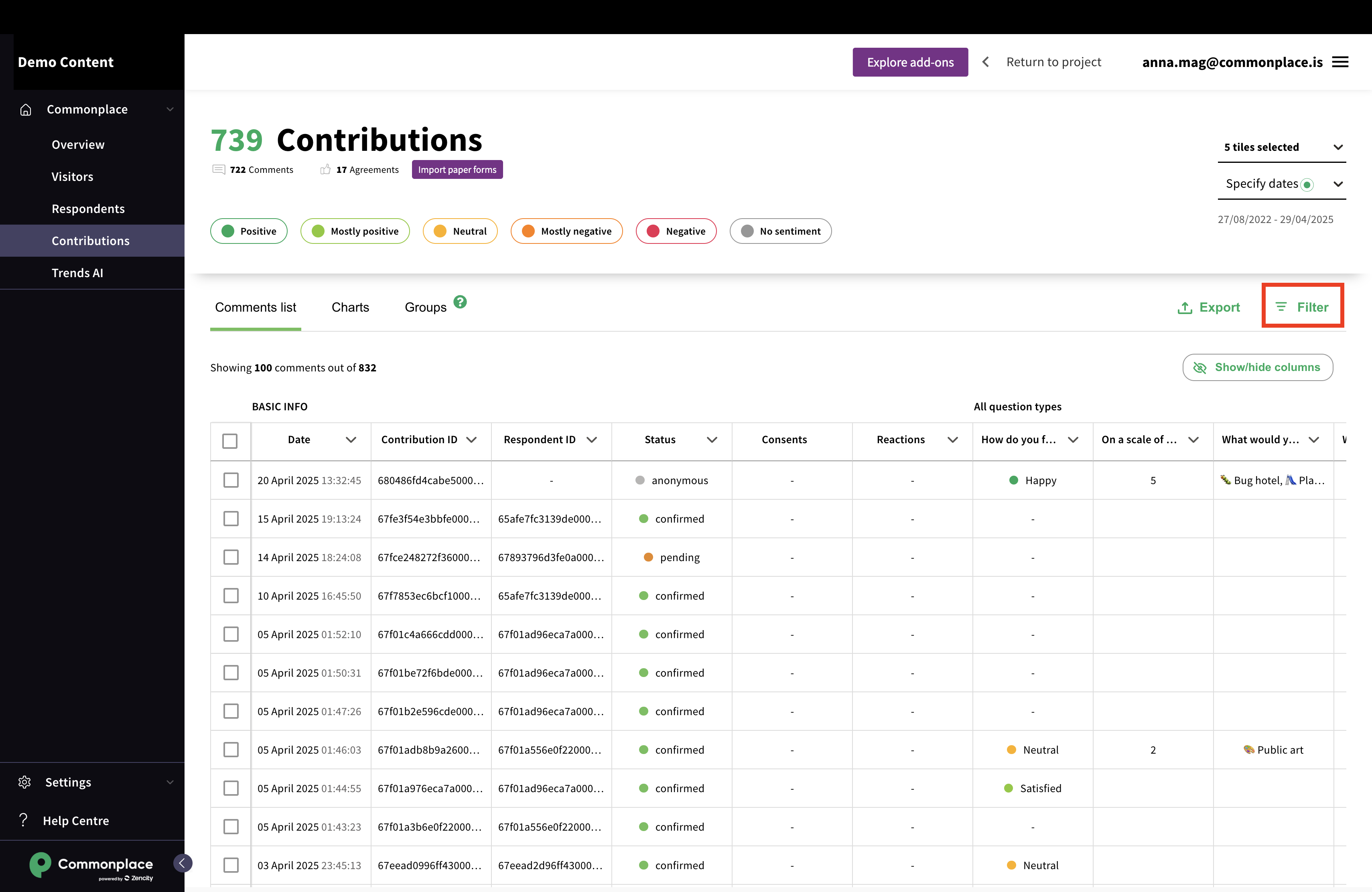
This part allows you to set contextual filters. This filters can be related to the question data, and can have various natures.
For a more in depth article about the table customisation, see here:
Manage the table view
In most sections and tabs of the Dashboard, tables can be customised as you see fit. This article will show you how.
The final part will display the actual data.
It can be reworked to suit your needs, and clicking on a row will lead to a detailed view of the element.
Still unsure about anything? There's lots more information here on the Commonplace Help Centre - alternatively, contact the support team and we'll be happy to help 
