Restricting responses based on geography - for example, by prohibiting responses from outside of a certain postcode - is not available in Commonplace. Our evidence, when testing this in the past, suggests that setting restrictions creates unintended and undesirable consequences.
Unfortunately, we found that:
Respondents would feel excluded by their views not being considered as they don't live in the area - despite them potentially working, regularly visiting or having relatives who live in the area that they wish to represent the views of.
Restricting to one answer per unique address restricts the opportunities for multiple members of the same household to contribute.
When you try to force citizens to select from a fixed list of addresses or postcodes, people try to game the system by 'guesstimating' a postcode or address that qualifies, preventing legitimate users from claiming those postcodes/addresses.
In our experience, it is better to describe your aims and state what audience you are targeting. By drawing a boundary on a map, you are indicating/nudging people to drop their pin within a certain area. By providing an address or postcode drop-down question, you're indicating that you need to know where people live in order to conduct your analysis. It's up to you to then filter which responses to include/exclude.
Here are the approaches we recommend on Commonplace to ensure robust and reliable results:
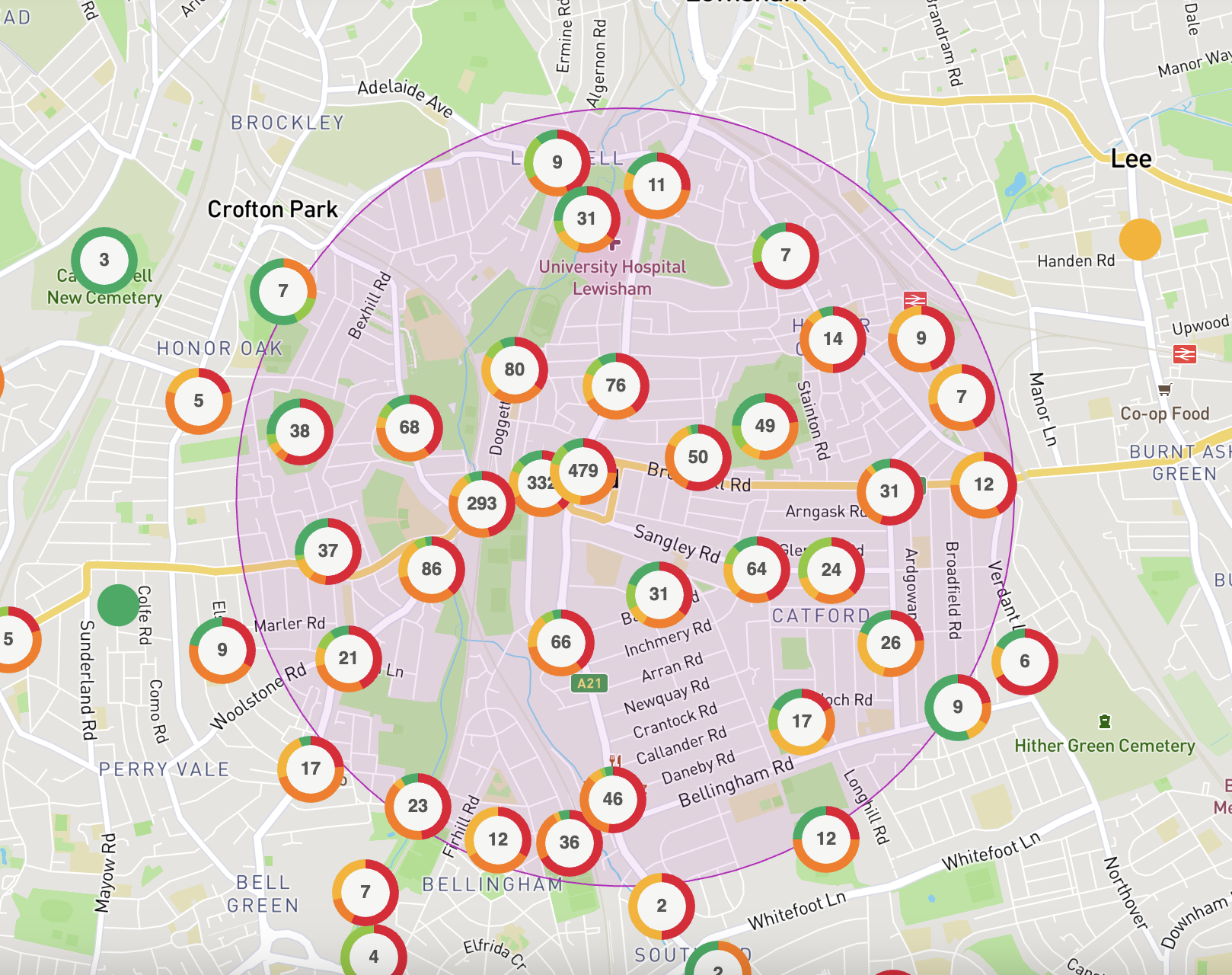
If you're running a community heatmap engagement, ensure a boundary is shown on the map. Whilst users are not prohibited from commenting outside of the boundary, it provides a strong indication of what the focal area of the project is. Additionally, by controlling the map centre point and the maximum extent to which users can zoom out, you can restrict users from moving the map too far from your desired area.
When it comes to analysis in the dashboard you can decide to filter your contributions based on postcode.
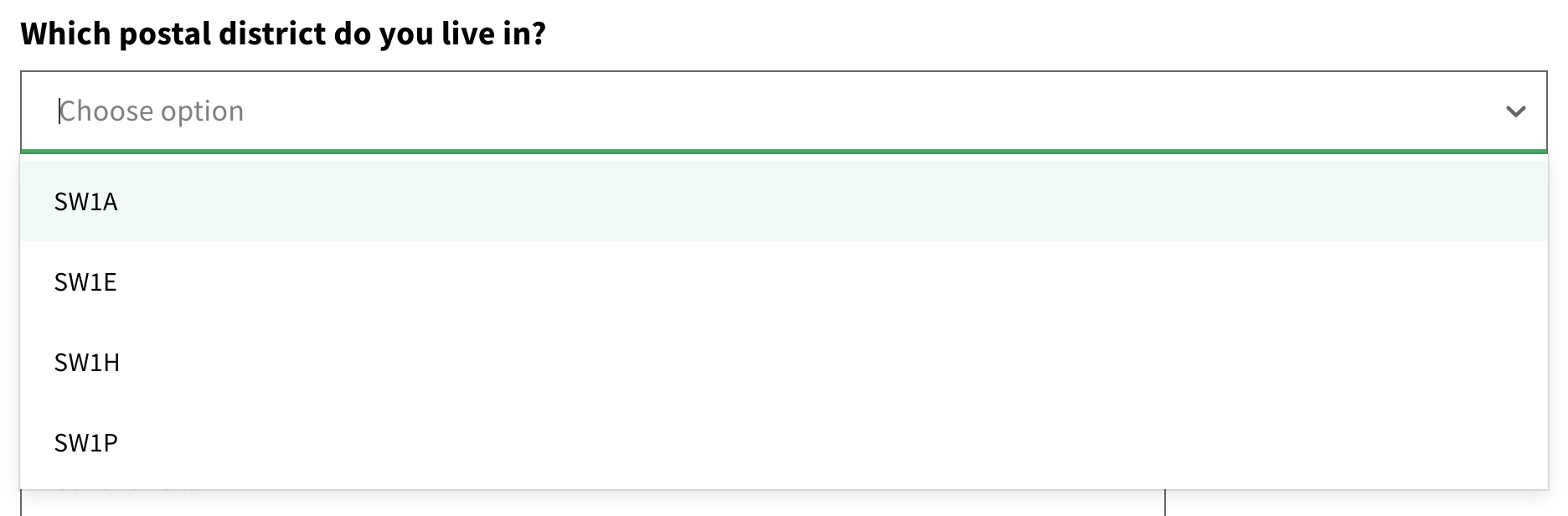
Add a single-select auto-complete drop-down option using postcodes or postal districts you're interested in. If you are doing this in the survey section (and it's not a hidden comments project), please avoid using full postcodes. Instead, you could use postal district, postal sector or redact the final character.
Otherwise, the results will be published and you risk people identifying respondents on published comments. Instead, if you wish to include full postcode, please go ahead and add it to the demographics section using our dedicated postcode question.
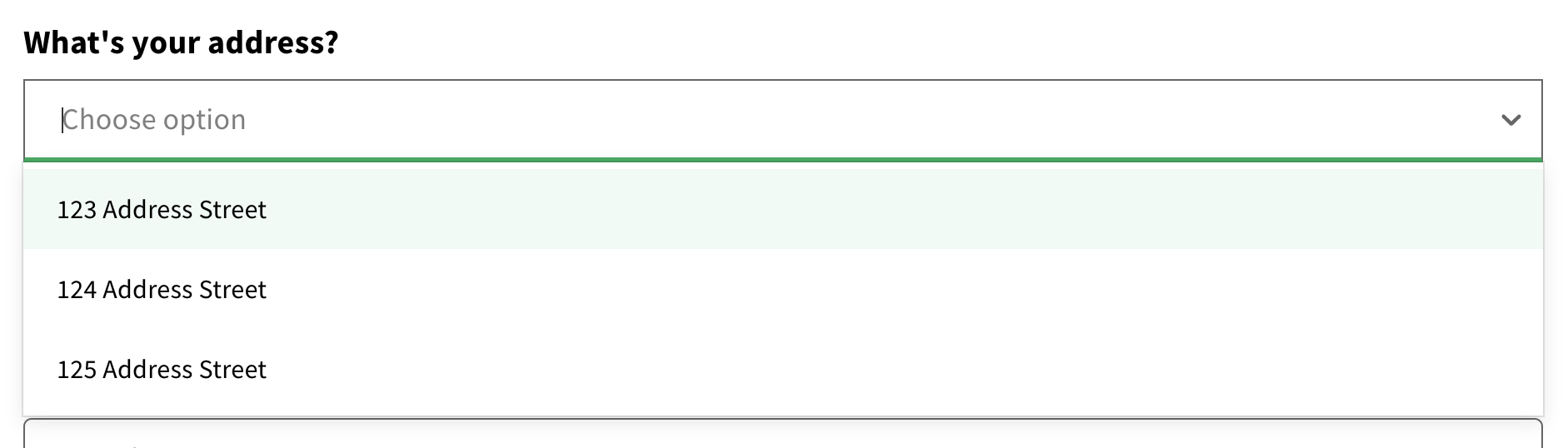
Add a single-select auto-complete drop-down option for addresses, in order to get as granular as possible. This will need to be done in the demopgraphics section to avoid publishing individuals' addresses unless this is a hidden comments or invite only project.
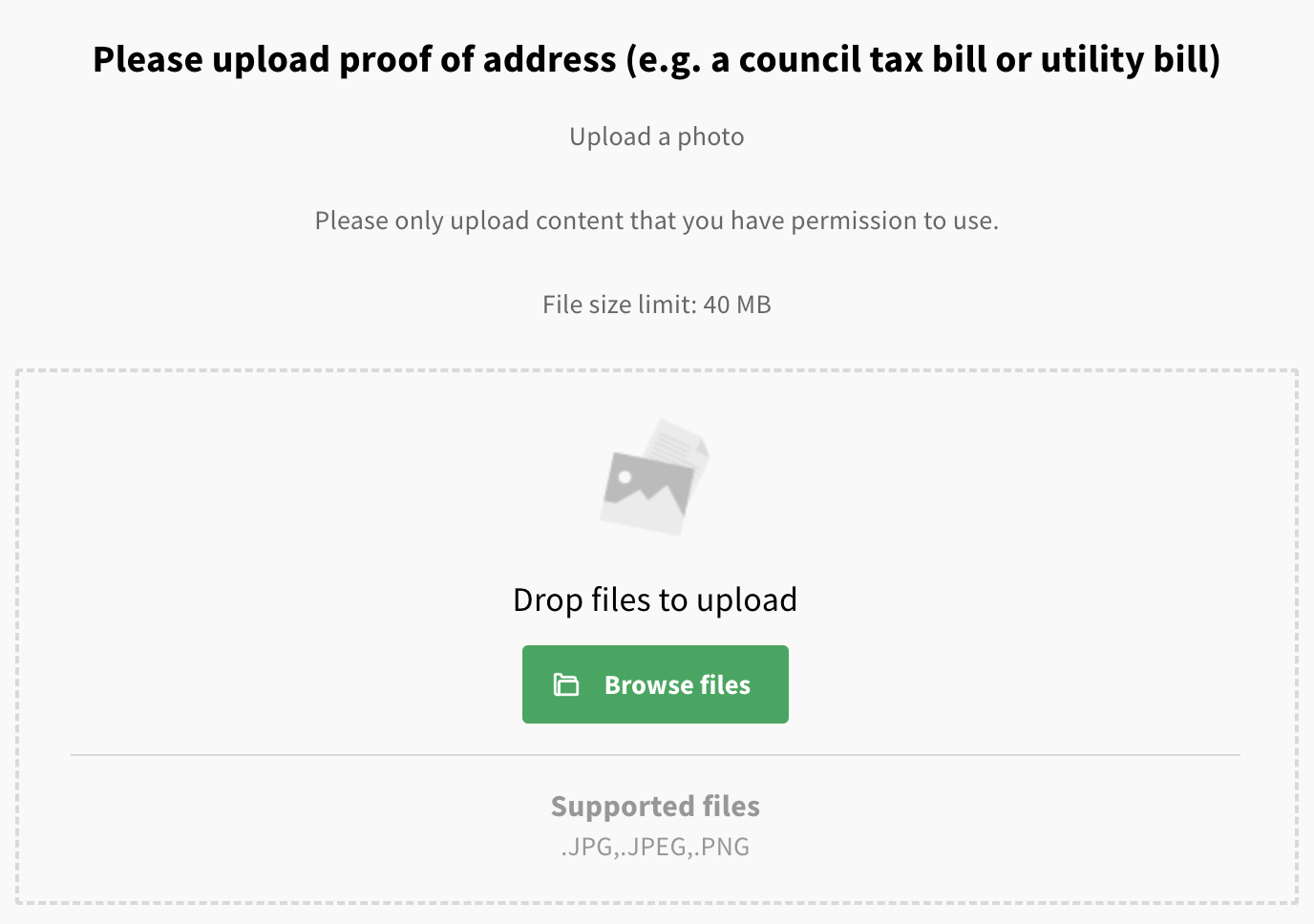
Ask respondents to upload a proof of identification or address using the media submission question. This will then allow you to run verification that the user is who they say they are.
Use our powerful survey mode to conduct in-person consultation. Survey mode allows you to conduct face-to-face engagement seamlessly, by pulling together all of your surveys into a single page designed for use on a tablet or mobile. The answers you collect can be viewed, filtered and analysed in the dashboard together with your online responses. By going door-to-door with Commonplace survey mode on a tablet or phone, you can ensure the validity of addresses.
In all cases, telling a great story about your proposal and explaining your project goals will drive self-selection from a specific geography and encourage quality of responses. You can then evaluate responses from people within a specific geography by filtering out responses you consider to be less relevant in the dashboard.
Still unsure about anything? There's lots more information here on the Commonplace Help Centre - alternatively, contact the support team and we'll be happy to help 👋
