This page outlines the journey a visitor will usually take from first arriving on your project through to adding a contribution, confirming their comment, providing demographic information and sharing their contact preferences.
A visitor arrives at your project. They may have learned about your project from an email, social media, a QR code or any number of other sources.
Generally, visitors will arrive on the home page - here they can read more information about the project and view the tiles, through which they can answer a survey or add a pin on a community heatmap.
The visitor contributes to the project in some way - such as by adding a contribution (either a comment/survey answer or a reaction on another comment).
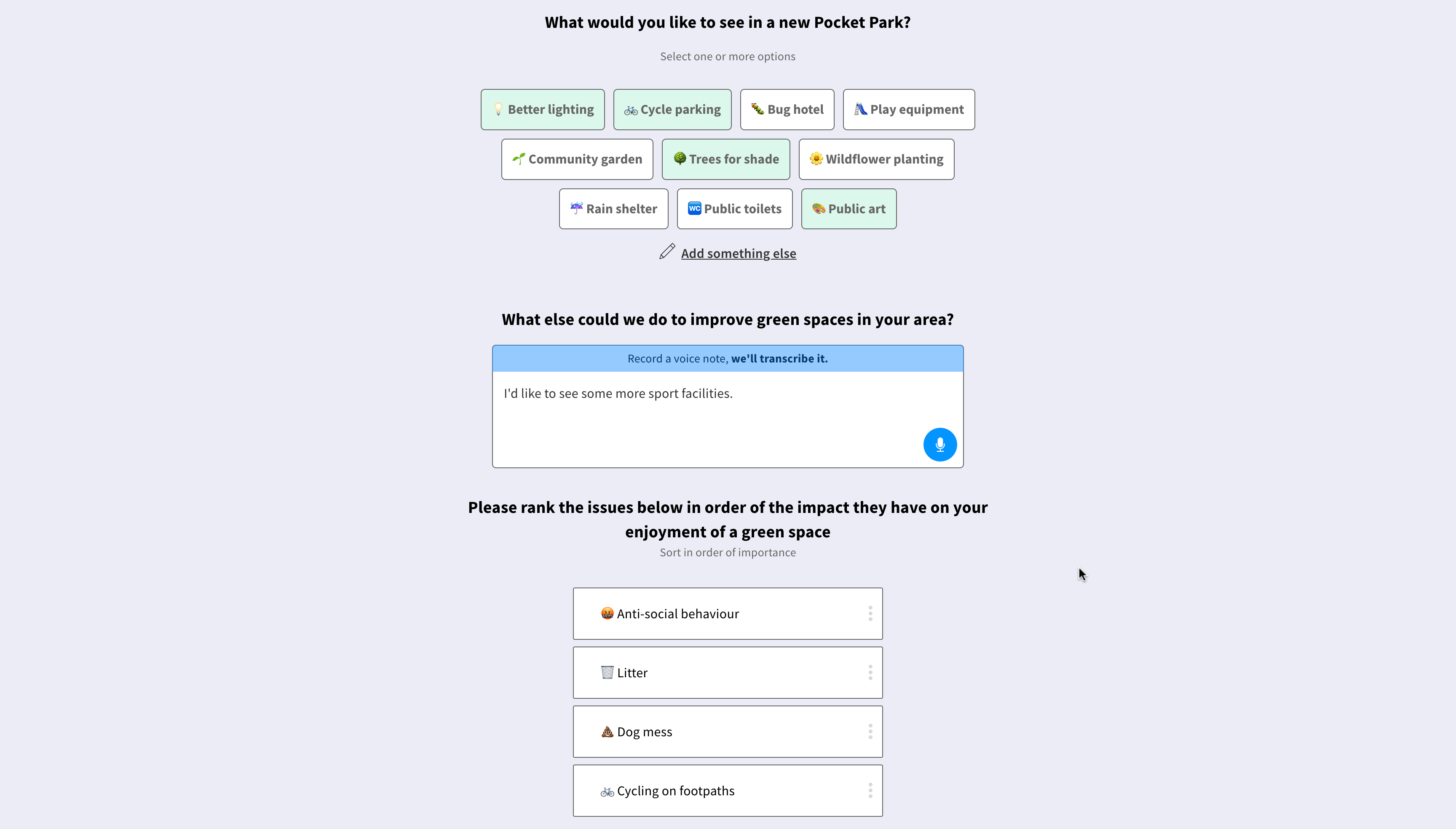
Once they have done this, the visitor is asked to provide their email address. If they choose not to proceed, their contribution will be saved and will be visible in the project dashboard, but will not be publicly visible.
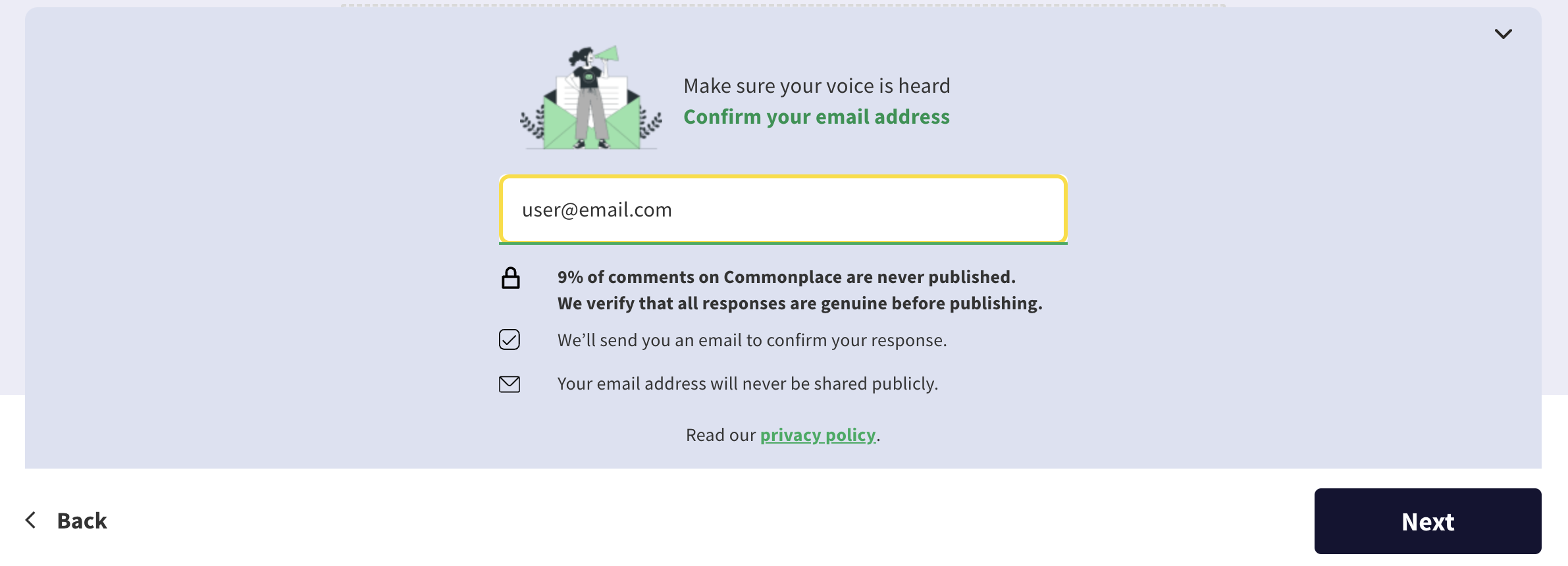
They will be sent a confirmation link in an email to verify that the email address they provided is real. Until they click the confirmation link, their contribution will be marked as pending - once they do so, their contribution will be marked as confirmed and will become publicly visible.
They will next visit the demographics page, where they can provide further information about who they are. This information is never shown publicly.
After the demographics page, they will visit the preferences page. Here they can opt in to various communications - such as project news and comment replies.
After clicking the confirmation link, the user will be logged in - they can then add as many contributions as they like without needing to confirm again.
Support for end users (visitors/members of the public)
Still unsure about anything? There's lots more information here on the Commonplace Help Centre - alternatively, contact the support team and we'll be happy to help 👋
